How-to
Vibe coding for designers: how to prototype with Claude Code
Vibe coding for designers: when a coded prototype beats Figma, how to brief Claude Code, keep it on track, and test with people before anyone ships it.
· 12 min read · Musab Alfawal
On this page
Vibe coding means building software by describing what you want to an AI tool in plain words and letting it write the code. Andrej Karpathy, an AI researcher who helped found OpenAI, coined the term in a post on X on 2 February 2025, describing a way of working in which you “forget that the code even exists”.
For designers, it has become a practical way to make prototypes that behave like the real thing. Instead of linking frames, you describe a flow to a coding tool such as Claude Code and get a small working web app that you can open on a phone and put in front of people.
This guide covers doing that well: when a coded prototype is worth the effort, how to brief it, how to keep it on the rails and what not to ship. For copy, research notes and critique in a chat, see the guide on using Claude for UX work. For getting Claude Design to follow your brand, see the guide on building a design system in Claude Design.
What vibe coding means now
The term has drifted. Karpathy described something loose: let the AI write it, don’t look closely at the code, and see what happens. In March 2025 the developer Simon Willison drew a useful line. If you review, test and understand the code, that is AI-assisted programming. Vibe coding is when you don’t.
The everyday meaning kept growing anyway. Collins named vibe coding its Word of the Year for 2025 and defined it broadly, as “the use of artificial intelligence prompted by natural language to assist with the writing of computer code”. A year after his first post, Karpathy suggested “agentic engineering” for the careful version, in which you direct AI agents and check their work.
For a prototype, the loose version is fine, because the code is meant to be thrown away. What matters is that you know which parts you haven’t checked, and that nobody mistakes the prototype for the product.
When a coded prototype beats a Figma one
Prototype in code when the thing you need to learn depends on behaviour that a design tool can only fake.
Real data is the first case. A Figma frame shows three plants with short names. A coded prototype can load 40 plants, one called “Variegated string of pearls”, and an empty state for someone who hasn’t added any yet. Layout is the second: one screen that reflows properly from a small phone to a tablet. Interaction is the third: dragging to reorder, the timing of an undo message, typing into a search box and seeing results, a keyboard that covers the button you need.
The biggest gain is testing. You can send a link and watch people use the prototype on their own phones, with their own thumbs, screen sizes and text settings.
Code is the wrong tool for early layout and visual direction, where Figma or paper is faster and cheaper to throw away. Nielsen Norman Group points out that a prototype can be high fidelity in some ways and low in others. A coded prototype is how you get the interaction right, and the look can stay rough while you do.
Set up Claude Code for a prototype
Claude Code is Anthropic’s agentic coding tool. You describe what you want, and it reads the files in a project folder, edits them and runs commands to build the result. It runs in a terminal, in code editors such as VS Code and JetBrains IDEs, in the Claude desktop app and in a web browser.
For most designers the desktop app is the easiest place to start. In its Code tab you choose a folder and chat with Claude, and a Browser pane shows the app as it runs. Claude can start the app itself after editing it, and check its own work there by taking screenshots and clicking through. On the web, sessions run in the cloud against a GitHub repository.
Claude Code changes quickly, so names and menus may differ from what you see. Anthropic’s documentation, linked at the end, has the current steps. Whichever you use, a few minutes of setup before the first prompt saves an afternoon of repeating yourself.
1. Make an empty folder
Name it after the prototype, such as sipling-prototype, and open it in Claude Code. In the desktop app, that’s the Code tab.
2. Add what Claude should copy
Put your tokens file and two or three screenshots of the look you want in the folder.
3. Put the brief in CLAUDE.md
Claude Code reads this file at the start of every session. Write your brief, the stack and your rules there, or ask Claude to write it from your brief.
4. Ask for a plan first
In plan mode, Claude reads the folder and proposes a plan without changing anything. Correct the plan before anything is built.
5. Build one flow, then save it
When the first flow works in the preview, ask Claude to set up Git and commit it. That commit is your first save point.
6. Try it on a phone
Ask Claude how to open the preview on your phone over the same Wi-Fi, or how to share it on a private link for testing.
Write a one-paragraph brief
A good brief fits in one paragraph and answers five questions: who it’s for, the one flow you want to test, which screens that needs, what is out of scope, and how it should be built.
The last two matter more than they seem. Without “out of scope”, the tool fills the gaps with what most apps have: sign-in, settings, a profile page. Without a stack, it may reach for a database and a server you don’t need. For a prototype, “a single-page web app, no backend, made-up data” is nearly always the right answer.
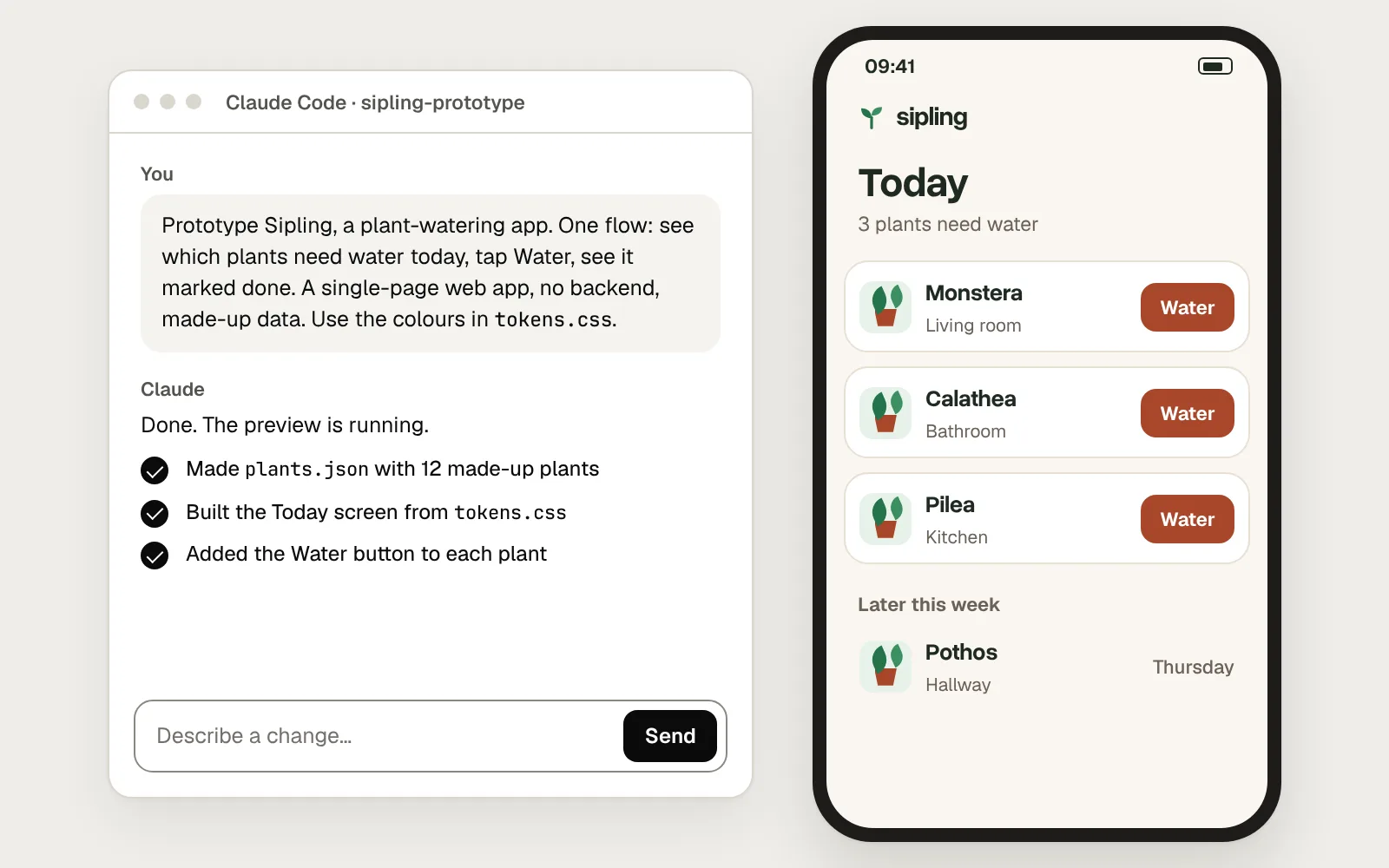
A full brief might read: “Sipling helps people with 5 to 15 houseplants remember to water them. One flow: open the app, see which plants need water today, tap Water and see the plant marked as done. Two screens: Today and Plant details. Out of scope for now: sign-in, reminders and settings. Build a single-page web app with no backend, using made-up data in plants.json.”
Here is the same request twice: once as a single line, once with a brief, your tokens and a screenshot.
Before
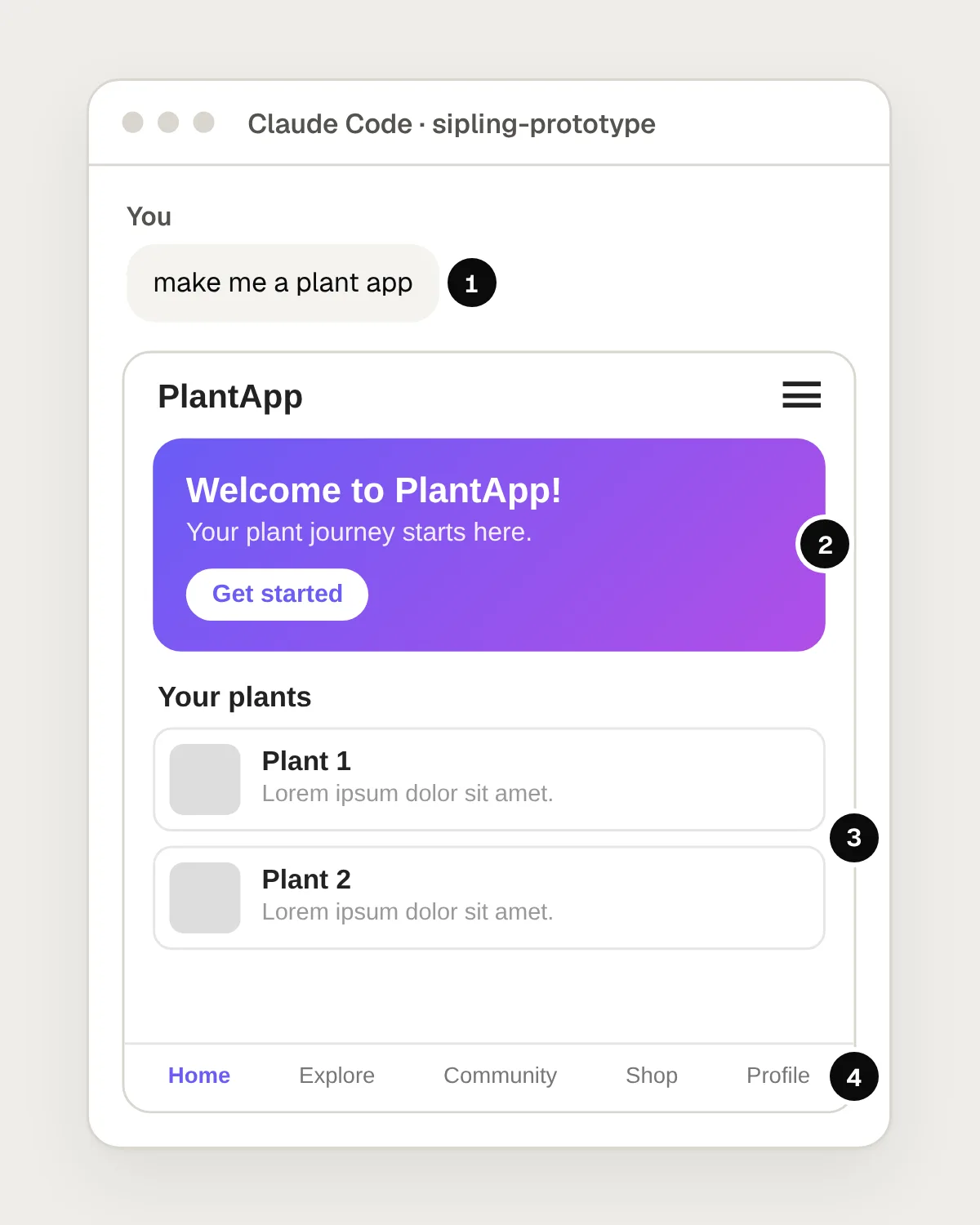
- One line, with no audience, no flow and no look.
- A look the tool chose for itself: a default font and a purple gradient.
- Placeholder content: Plant 1, Plant 2 and lorem ipsum.
- Tabs for features nobody asked for: Explore, Community and Shop.
After
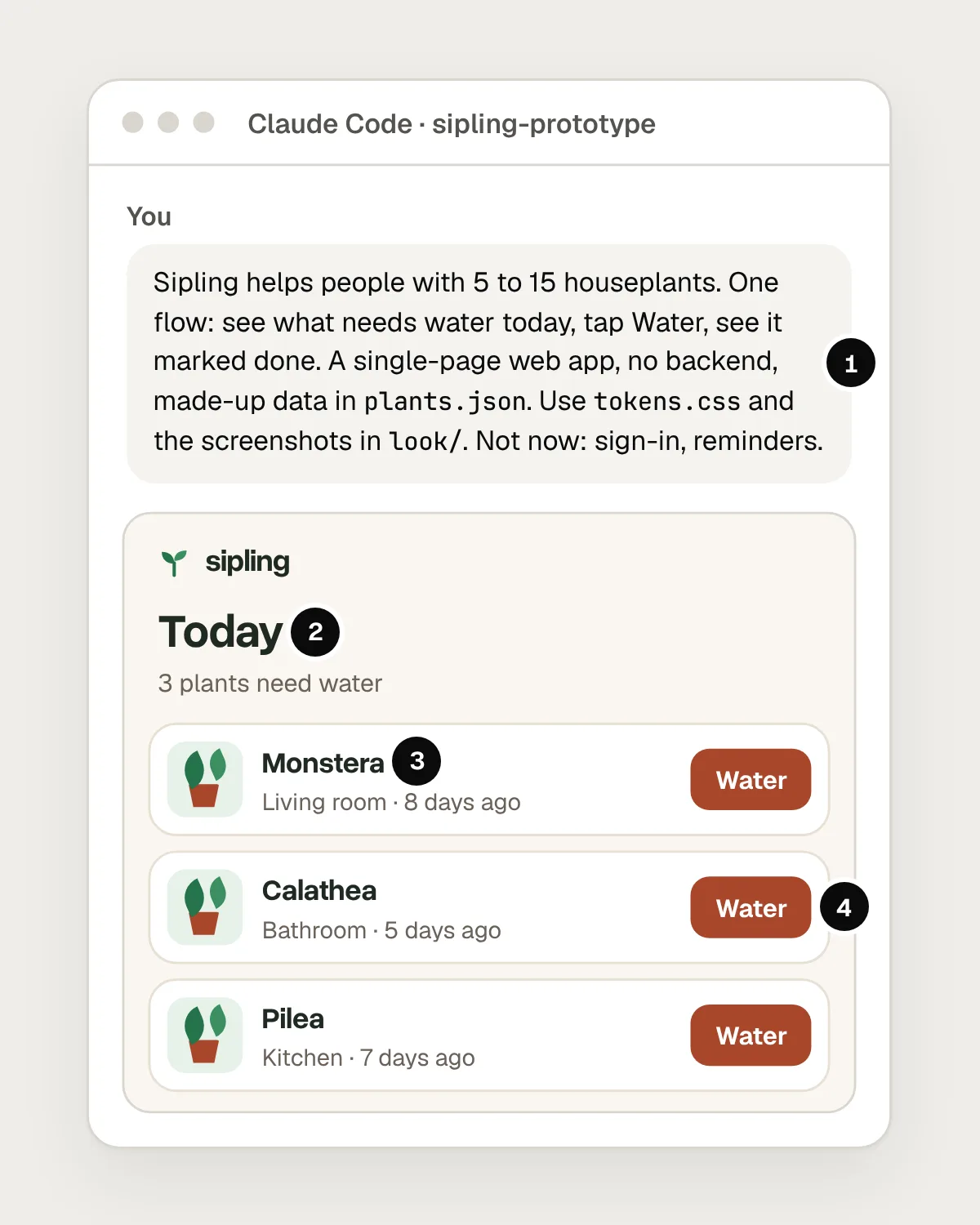
- A brief: who it’s for, the one flow, the stack, the data and what’s out of scope.
- Sipling’s own type and colours, taken from tokens.css.
- Made-up data that looks real: plant names, rooms and days since watering.
- Only the flow that was asked for, with a Water button on each plant.
Give it your tokens and a picture of the look
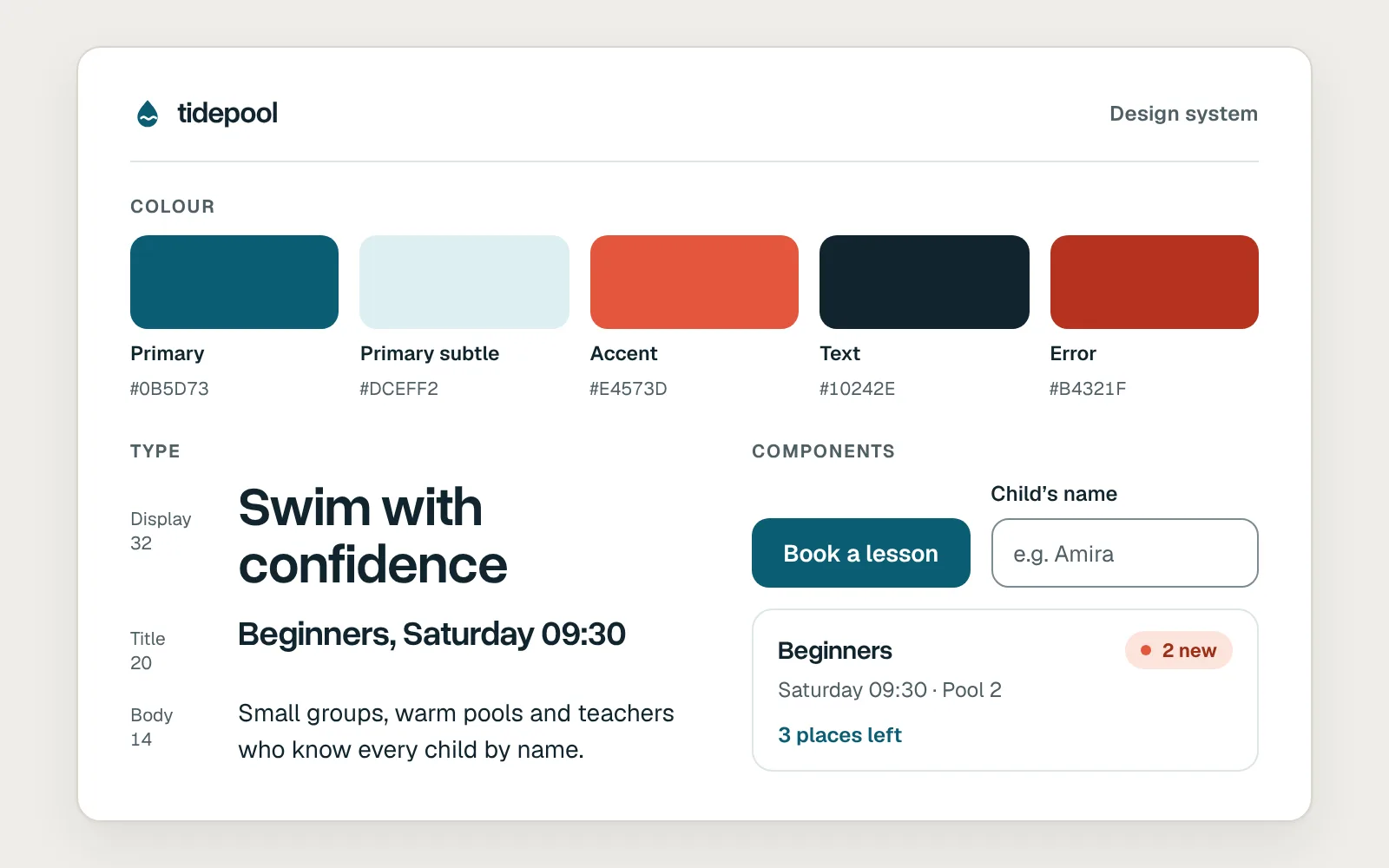
Adjectives don’t carry a look from your head to the screen. Values do. “Clean and modern” gets you the same rounded cards as everyone else. A tokens file with your colours, type sizes, corner radius and spacing gets you your product.
Export the tokens from your design tool as CSS variables or JSON, and add two or three screenshots of real screens. Claude can read images, so a screenshot shows things a list of values can’t, such as how dense a list is or how much air sits around a heading. Then say which file is for what: “Take colours and type from tokens.css. Match the card style and spacing in today.jpg.”
Plan, then build one flow end to end
Get one flow working from start to finish before you polish anything. For Sipling that means: open Today, tap Water on the Monstera, see it marked as done and see the count drop from three to two. It can look rough. It has to work.
A working flow is what you will test, and polish spent on a flow that later changes is wasted. Start in plan mode. In the terminal you switch to it with Shift+Tab, or use it for one prompt by starting the prompt with /plan. Claude reads the folder and proposes what it will build, and nothing changes until you approve. Anthropic’s own best-practice guide recommends exploring and planning before coding when the approach is uncertain, and skipping the plan for small, clear changes.
Change one thing at a time, and look after each
Once the flow works, improve it in small steps. Ask for one change, look at it in the preview, then ask for the next.
If you ask for five changes and something breaks, you won’t know which change did it. A small prompt is easy to check and easy to undo. Name the element, the state and what should stay the same: “Make the Water button turn green and show ‘Watered today’ when tapped. Don’t change the other buttons.” Claude can check its own work in the desktop app’s preview, but look yourself as well. Tap it, try it on a phone and check the screen that comes next.
Here is one small change, from prompt to preview.
Save a checkpoint before every risky change
Make bad changes cheap to undo. The simplest way is Git: after each change that works, ask Claude to commit it with a message that says what changed. Before something big, such as “Redesign the Today screen”, you then have a clean point to come back to.
Claude Code also saves checkpoints as you go. Each prompt creates one. In the terminal, typing /rewind, or pressing Esc twice with the prompt box empty, opens a menu where you can restore the code, the conversation or both to an earlier point. It has limits. Changes made by commands Claude runs, rather than by its own file edits, aren’t tracked, and Anthropic says rewind is not a replacement for version control. Use both.
Fake the backend, and keep real data out
A prototype needs believable data, not real data. Ask Claude to write a file of made-up plants with the awkward cases built in: a very long name, a plant that has never been watered, a room with nothing in it. You will learn more from those than from three tidy rows.
Never paste real customer data, passwords or API keys into the chat or the project folder. Prototypes get zipped, shared and pushed to places nobody planned. If a flow seems to need a real service, such as sign-in or payments, fake its answers in the prototype and leave the real thing to engineering.
Test it with people, then hand off what you learned
The prototype exists to answer questions. Put it in front of five or six people on their own phones, give them a task, and watch. The guide on running a usability test covers the sessions themselves.
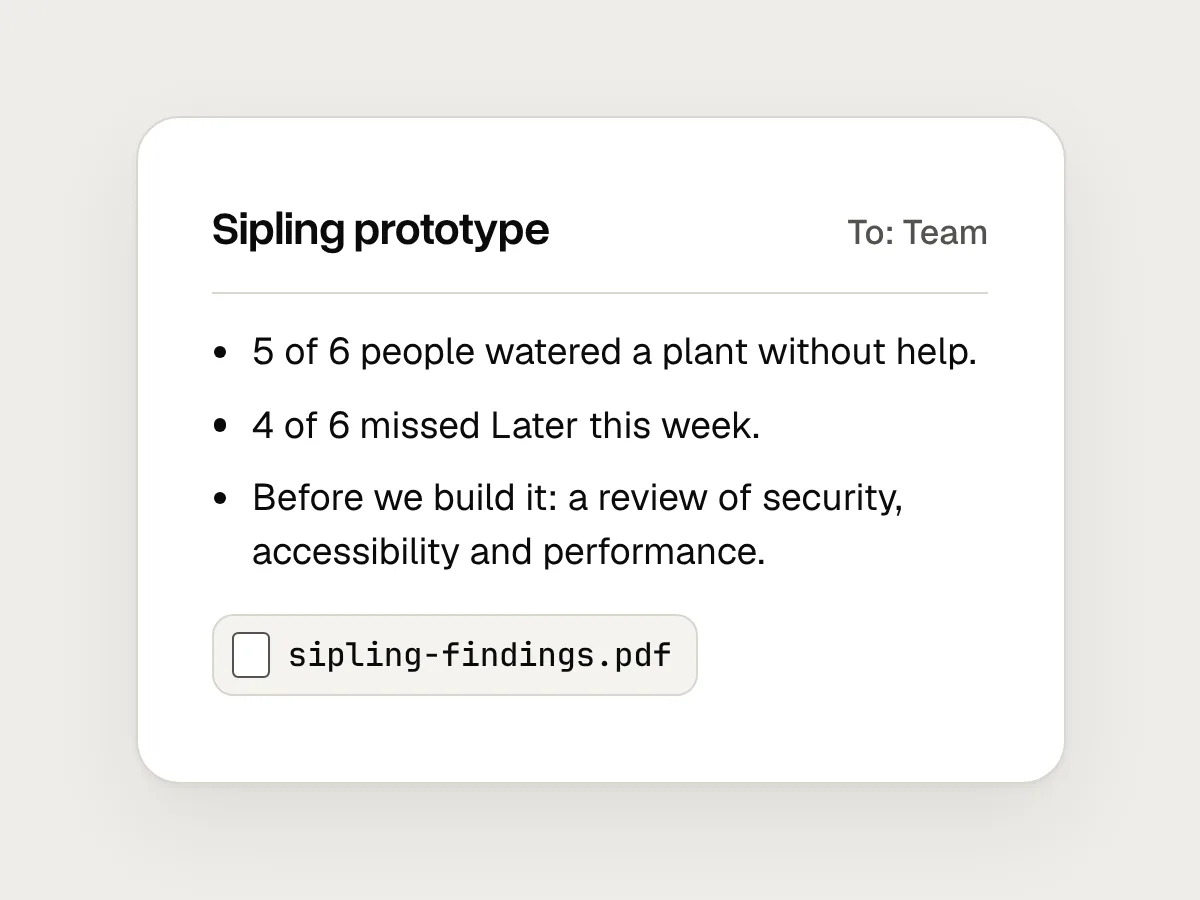
Then hand over what you learned, not just the code: what people did, where they got stuck, what you changed and the questions still open. The prototype link is evidence, and a developer can read its code to see what you meant, but don’t assume the real build will start from it. Code written this way often looks finished long before it is. Before anything like it reaches real people with real data, an engineer needs to review or rebuild it for security, accessibility and performance.
Mistakes, and what to do instead
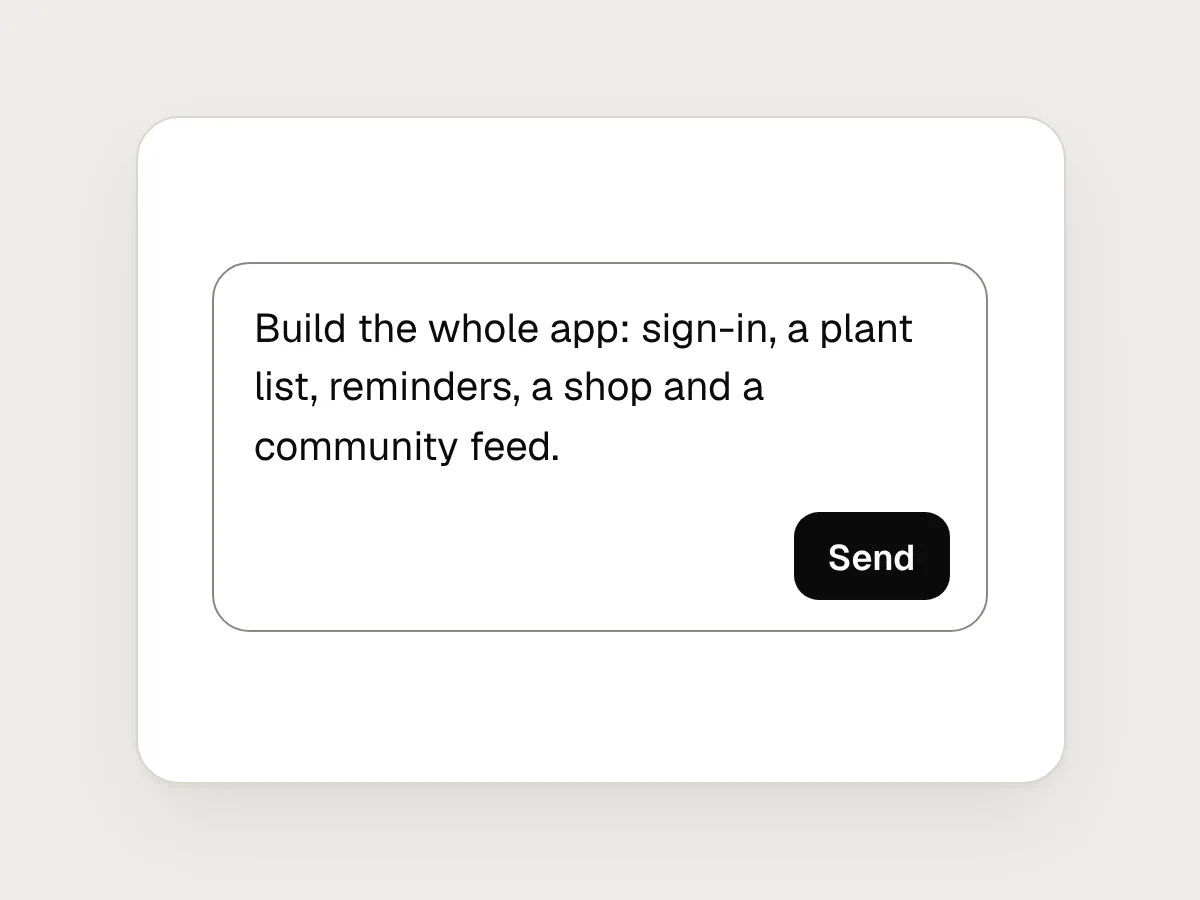
Don’t
Asking for the whole app in one prompt.
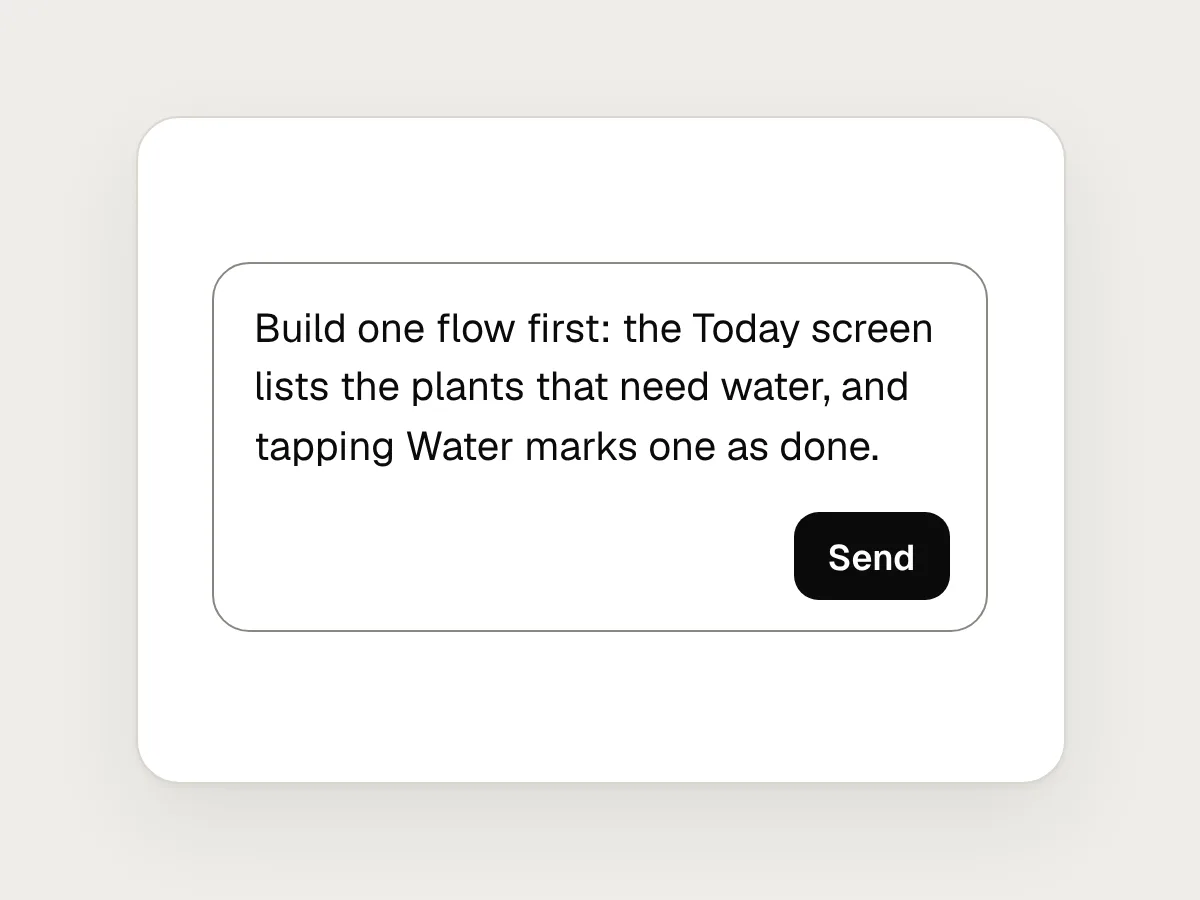
Do
Build one flow end to end first, and add the rest once it works.
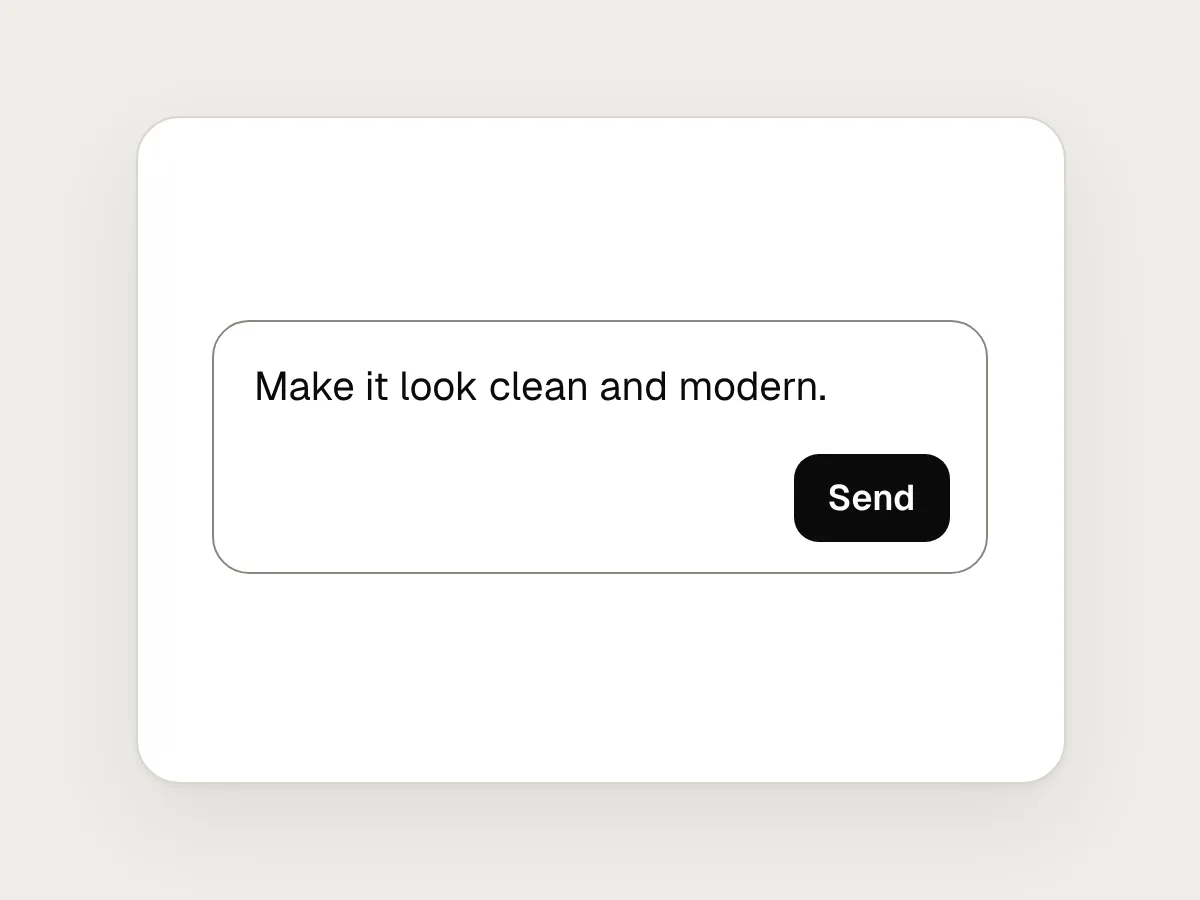
Don’t
Describing the look in adjectives: “clean and modern”.
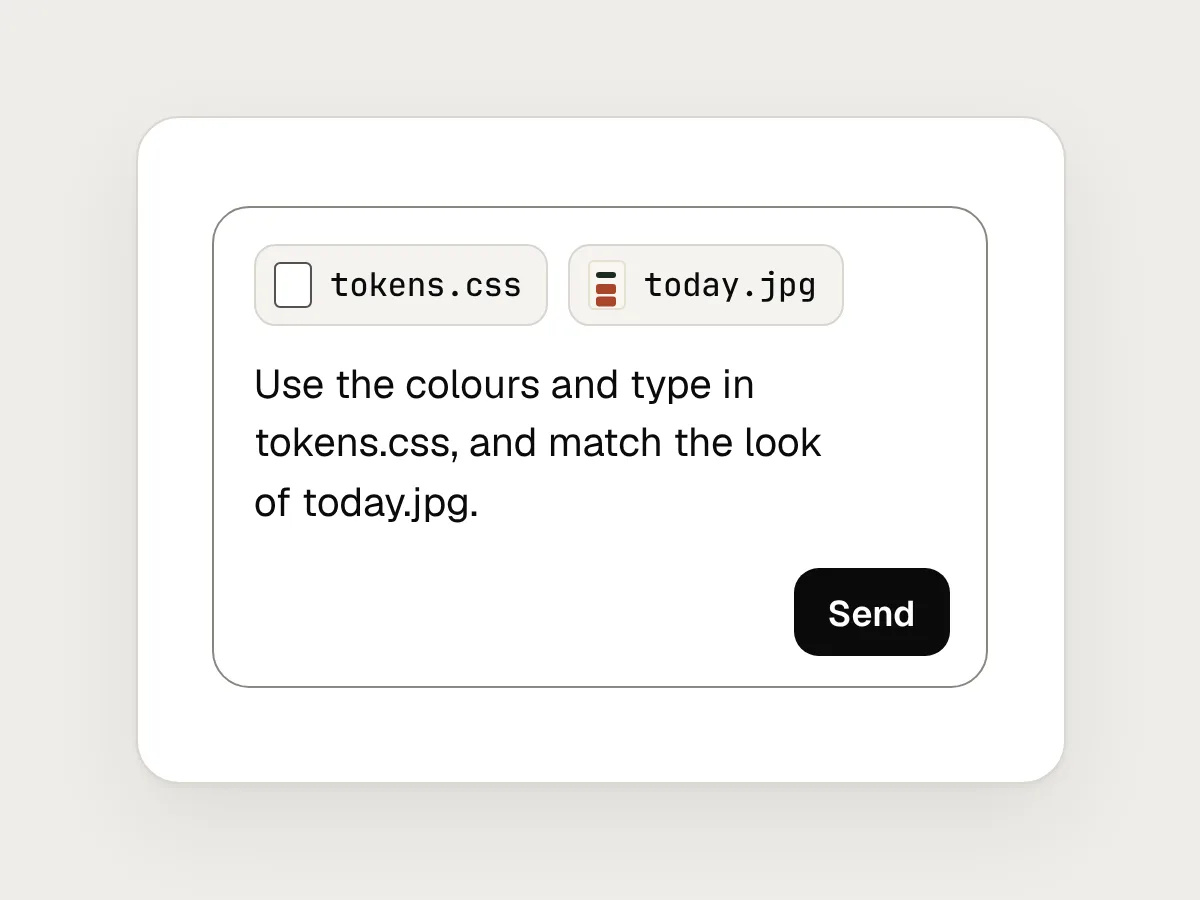
Do
Attach your tokens file and a screenshot, and say what each one is for.
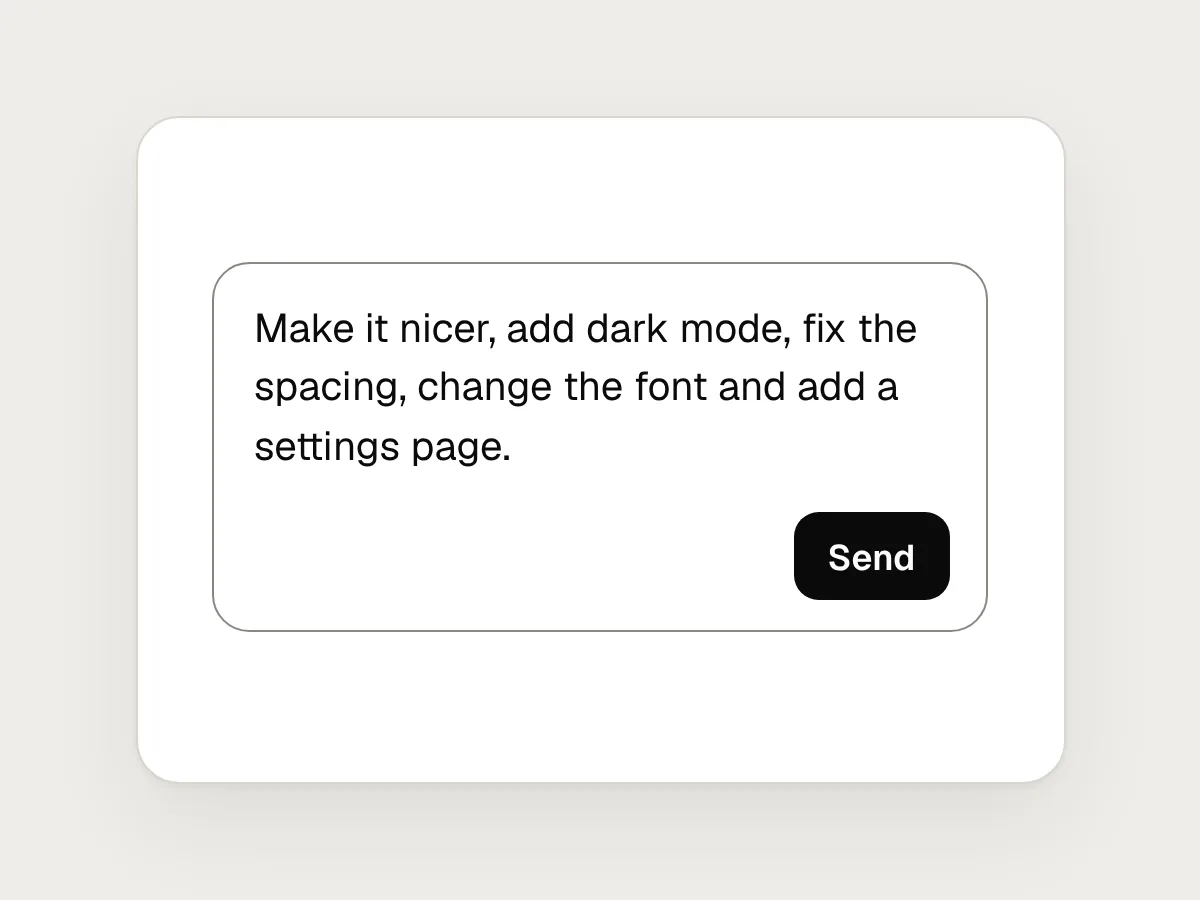
Don’t
Five changes in one prompt.
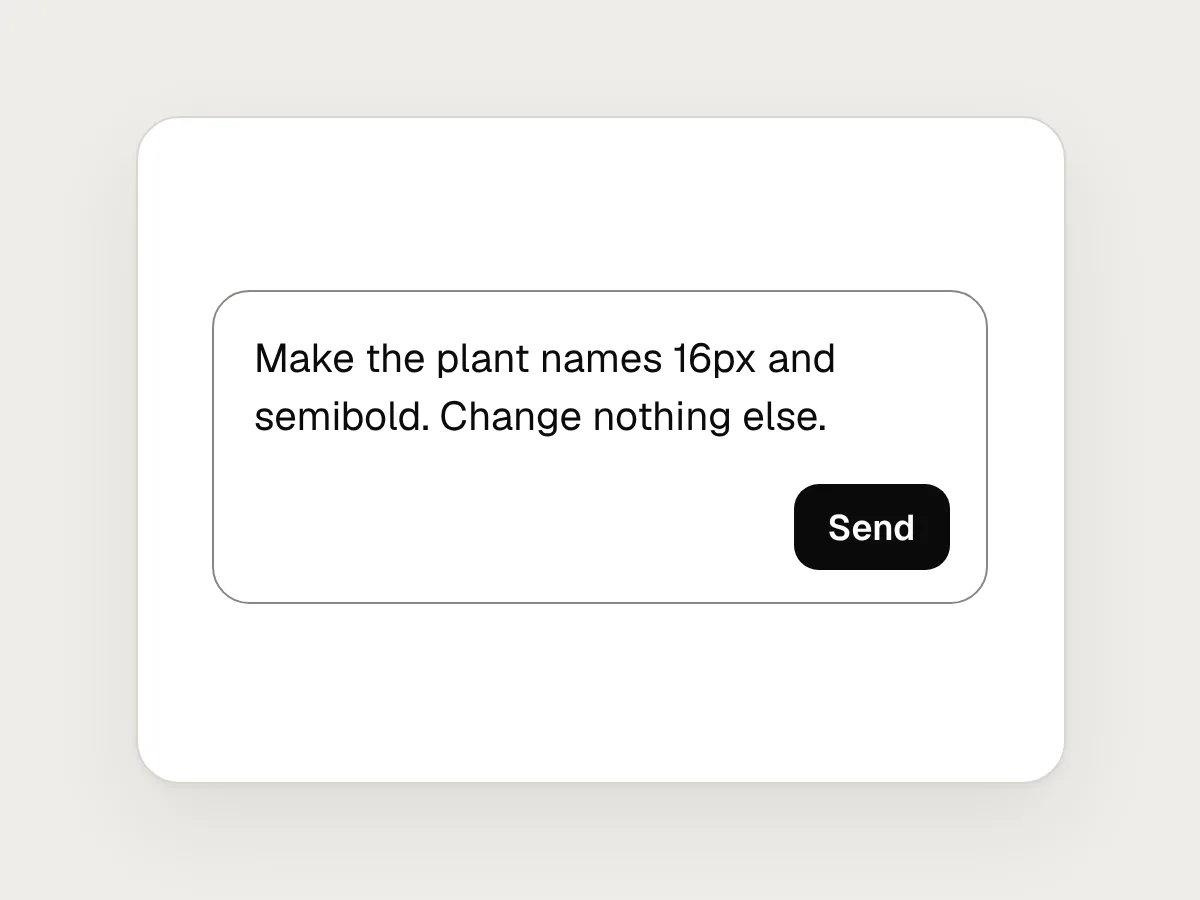
Do
Ask for one change, then check it in the preview before the next.
Don’t
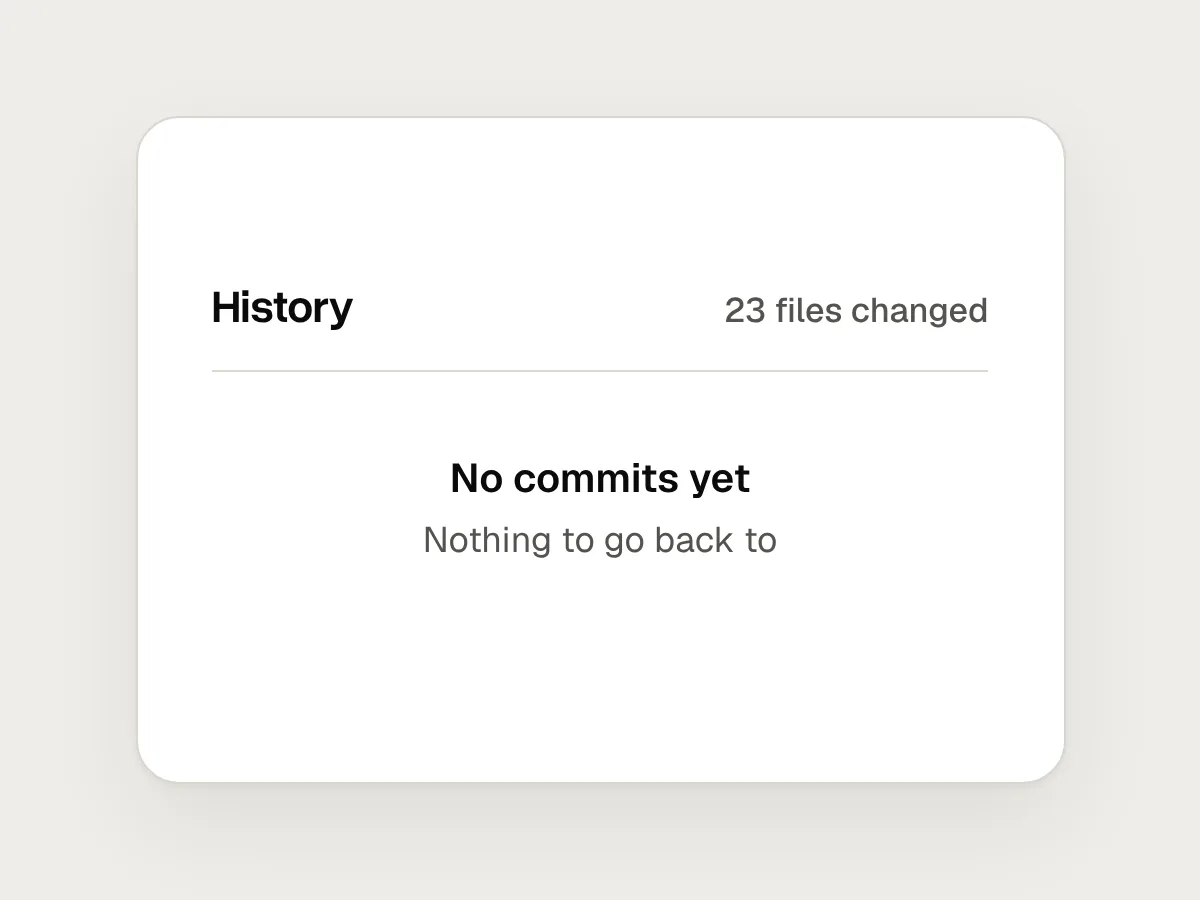
An afternoon of changes with nothing saved to go back to.
Do
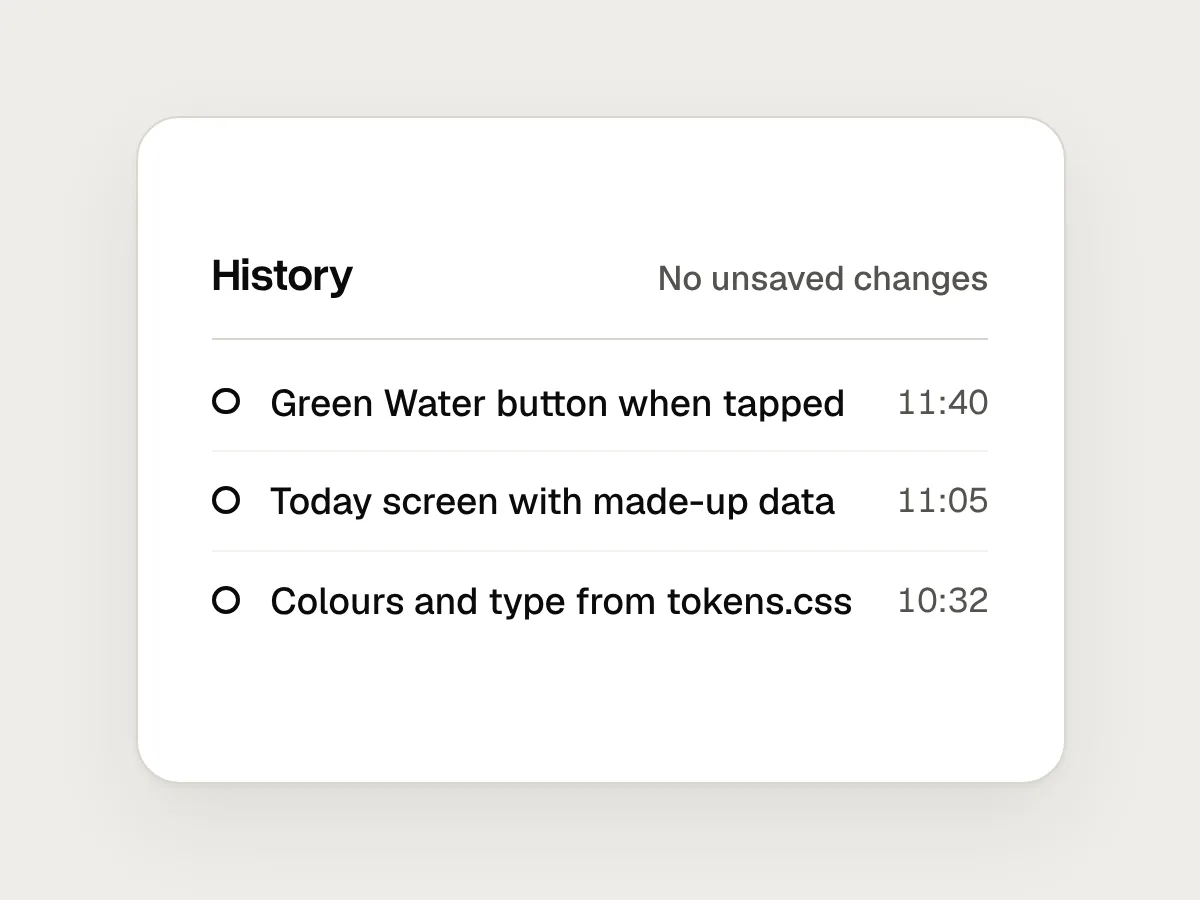
Commit after every change that works, so a bad one costs nothing.
Don’t
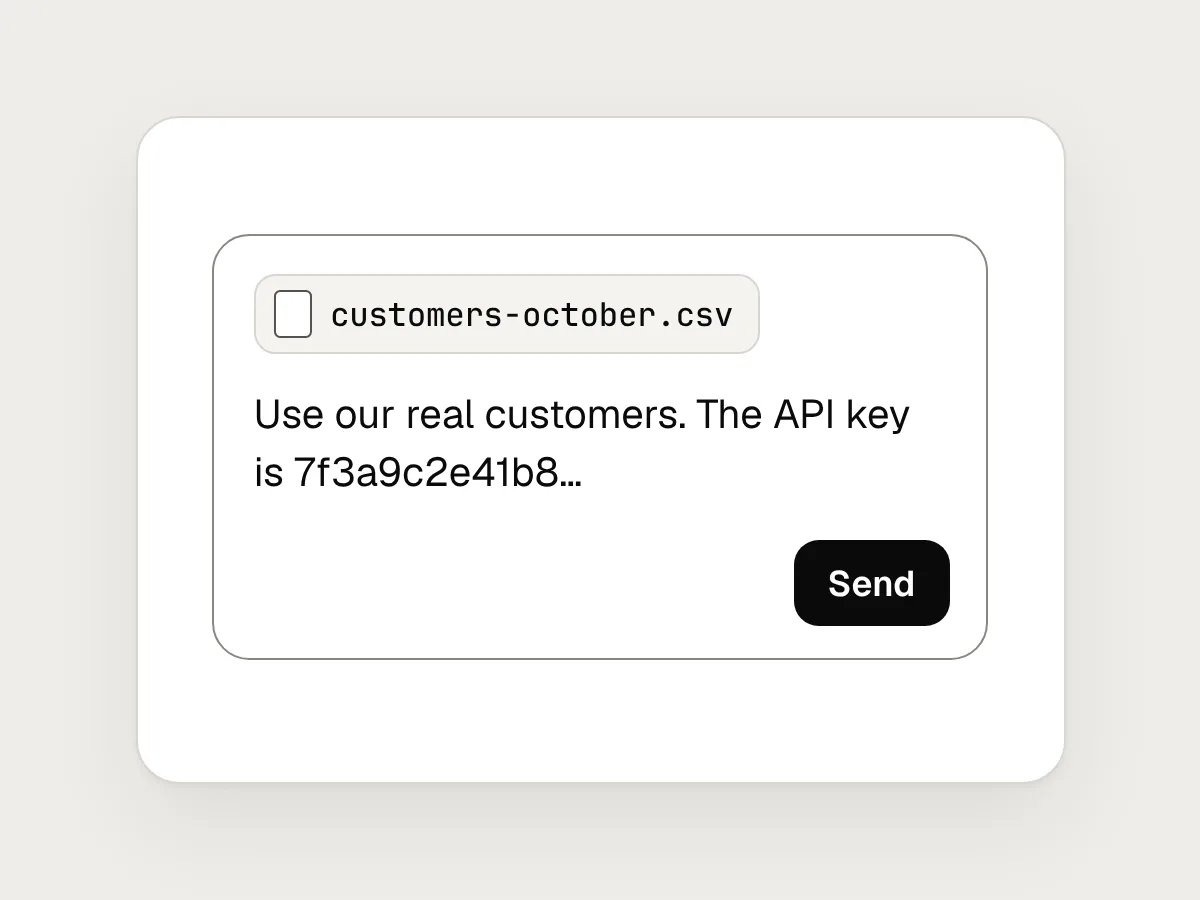
Pasting real customer data or an API key into the chat.
Do
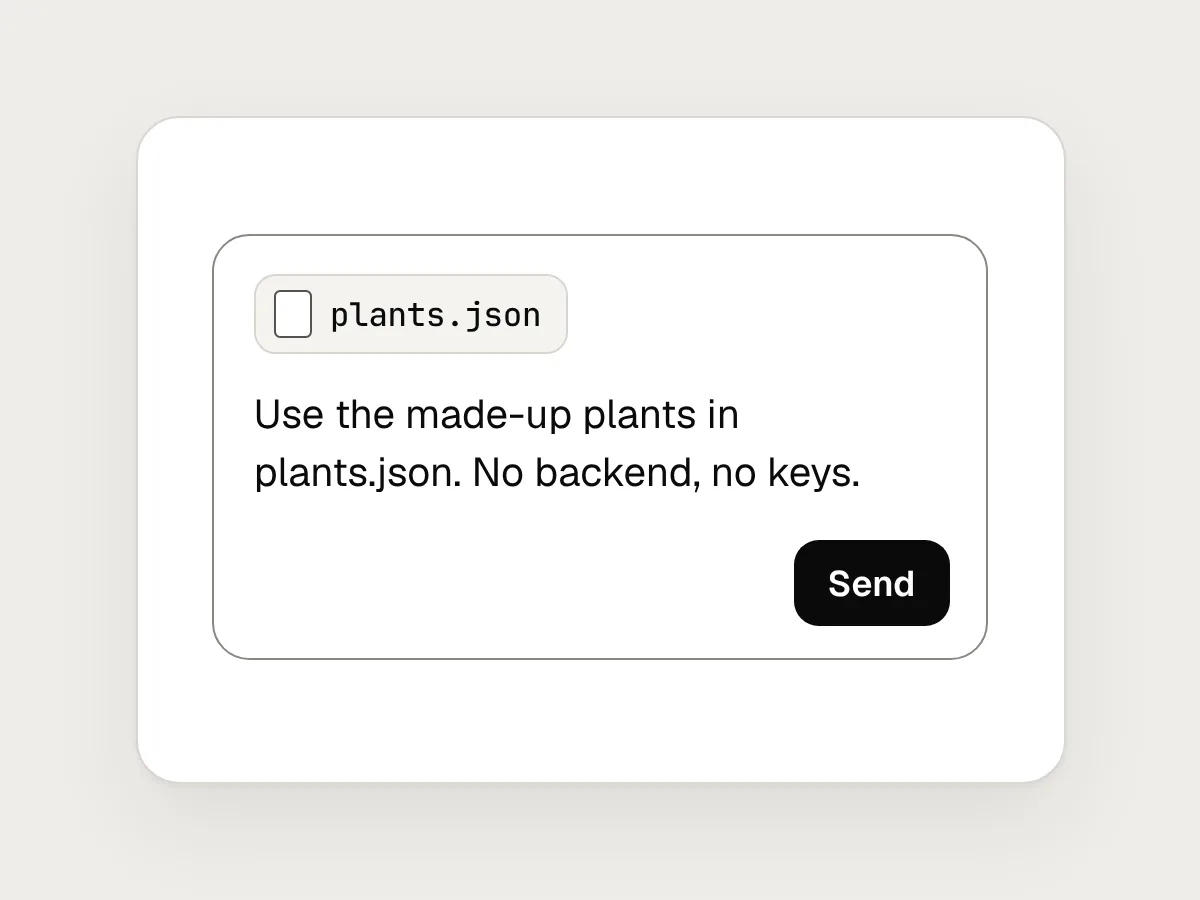
Fake the backend with made-up data in a local file. A prototype needs no keys.
Don’t
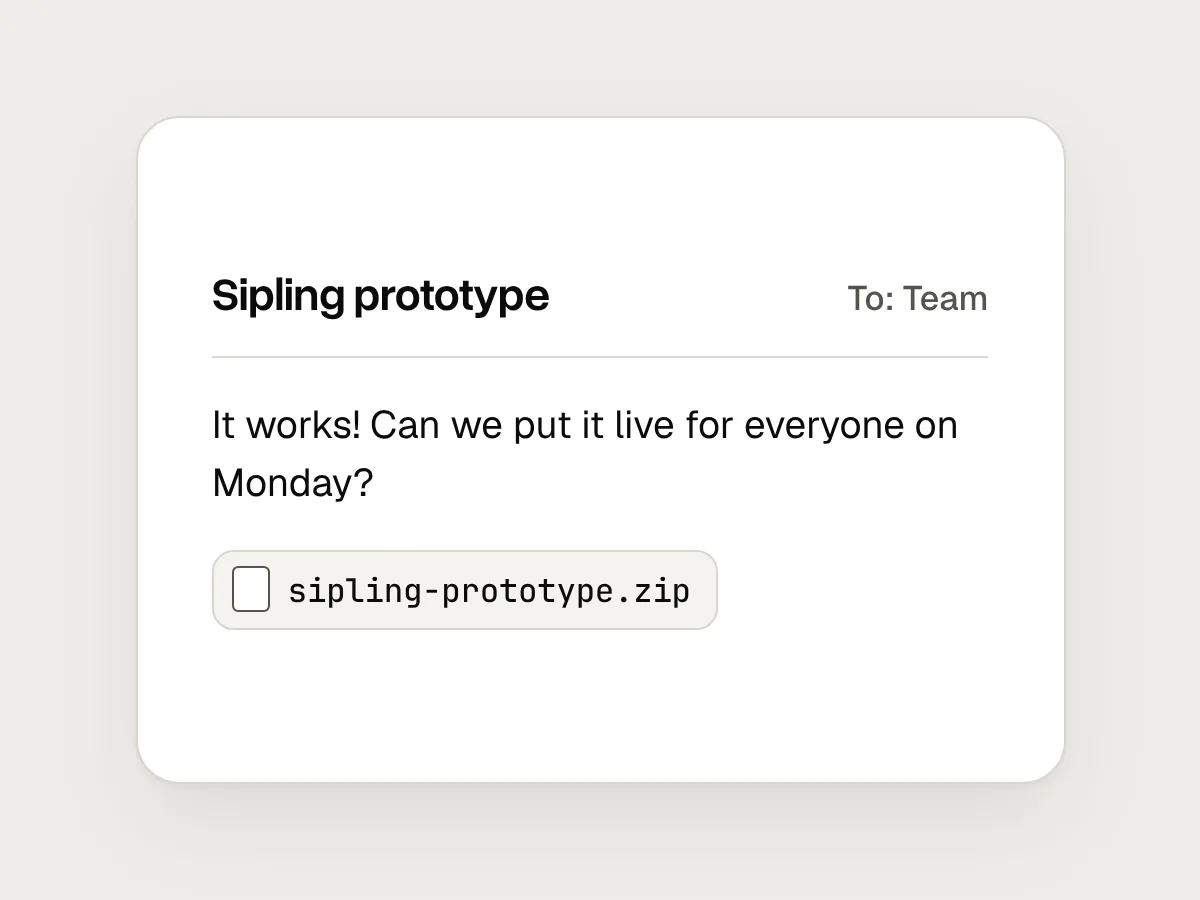
Putting the prototype live because it works.
Do
Test it with people, hand over what you learned, and let engineers review or build the real thing.
Before you share it: a checklist
Questions people ask
What is vibe coding?
Building software by describing what you want to an AI tool in plain words and letting it write the code. Andrej Karpathy coined the term in February 2025. It now covers everything from throwaway experiments to careful work in which every change is reviewed.
Do I need to know how to code to prototype with Claude Code?
No, but it helps to read a little. You will get further if you know what a file, a component and a commit are, and if you read Claude’s summary of what it changed. You don’t need to write the code yourself.
Should I prototype in Figma or in code?
Figma for layout, visual direction and quick comparisons. Code when the question is about behaviour: real data, typing, dragging, timing, or people using their own phones. Many teams do both, in that order.
Can I ship a vibe-coded prototype?
Not as it stands. Treat it as a working specification. An engineer should review or rebuild it for security, accessibility and performance before real people rely on it with real data.
What should I do when Claude breaks something?
Go back rather than patch. Restore the last commit, or use rewind to return the code to an earlier prompt. Then ask again with a smaller, more specific change.
Resources
- Claude Code overview · Anthropic documentation
What Claude Code is, and the places it runs: terminal, code editors, desktop app and browser.
- Claude Code desktop app · Anthropic documentation
The Code tab, and the preview where Claude runs your app and checks its own work.
- Best practices for Claude Code · Anthropic documentation
Explore, plan, code and commit, and why Claude needs a way to check its work.
- Checkpointing · Anthropic documentation
How rewind works, and what it doesn’t track.
- Not all AI-assisted programming is vibe coding (but vibe coding rocks) · Simon Willison
Where vibe coding ends and careful AI-assisted programming begins.
- UX prototypes: low fidelity vs. high fidelity · Nielsen Norman Group
How to decide how real a prototype needs to be, and in which ways.
If this was useful, share it with someone it would help.