Best practice
AI agent UX: best practices for agents people can trust
How to design an AI agent people can trust: say what it can do, show its plan, ask before risky steps, let people stop it and report what it did.
· 8 min read · Musab Alfawal
On this page
An AI agent is software that carries out a task for someone in several steps, using tools such as a browser, an inbox or a booking system. A chatbot answers a question. An agent acts on it: it searches, compares, books, sends and deletes, often for minutes at a time, with the person’s accounts and the person’s money.
That changes the design job. The person has handed over a task they can’t watch closely, so the interface has to make up for what they can’t see. They need to know what the agent will do before it starts, what it is doing now, and exactly what it did when it says it has finished.
Very little of this is new. Most of it is Jakob Nielsen’s usability heuristics, such as visibility of system status, user control and freedom, and error prevention, applied to software that acts on its own. What is new is how much goes wrong when they are missing.
How an agent is different from a chatbot
When a chatbot gets something wrong, the person reads a bad answer and decides what to do with it. When an agent gets something wrong, it may already have acted on it: booked the wrong date, emailed the wrong person, deleted the wrong folder.
So the question people ask changes. With a chatbot it is “is this answer right?”. With an agent it is “what did it just do in my name?”. Every pattern in this guide exists to make that question easy to answer, before, during and after the task.
Agents also work over time. A task can take ten seconds or ten minutes, and people won’t watch it the whole way. The design has to work for someone who glances at it, leaves, and comes back.
Say what it can and can’t do
People can’t hand over a task well to something whose limits they don’t know. Before the first task, say what the agent can reach and what it will do with it, in plain words: “I can search and book flights and hotels, and pay with your saved card. I can’t change bookings made somewhere else.”
An empty box that says “Ask me anything” promises more than any agent can do, and gives people nothing to start from. Offer a few real tasks instead, written the way someone would ask for them. They show the range, and they show what a good request includes.
Be modest about what it’s good at. An agent that sometimes does more than people expected earns trust. One that often fails at what it seemed to promise loses it quickly. Google’s People + AI Guidebook calls this calibrating trust: helping people trust the system enough to use it, without trusting it so much that they stop checking.
Show the plan before a long task
For anything longer than a few steps, show the plan before starting: a short list of what the agent intends to do, in the order it will do it. It is the cheapest moment to catch a misunderstanding. Correcting “search flights from Manchester” costs one edit before the task, and a cancelled booking after it.
Ask the questions that matter at the same time. If the agent needs to know whether a checked bag is included, or which card to use, ask now, so the rest of the task can run while the person does something else. Don’t ask for details it can reasonably work out, and don’t start on a guess about something it can’t.
For a short task, skip the plan and just do it. Nobody needs to approve a plan for checking tomorrow’s weather.
Show progress while it works
A spinner is fine for two seconds. For two minutes it leaves people guessing whether anything is happening. Show the steps instead, mark the one the agent is on, and say what it is doing in plain words: “Comparing 12 flights”, not “Calling search_flights”.
Let people leave. Tell them they can close the window, then let them know when the task is done or when the agent needs them.
Here is the whole loop for a short booking: a plan, the steps ticking off, a pause before payment, and a confirmation at the end.
Ask before anything risky, and only then
Not every step needs permission. Sort what the agent can do by what’s at stake.
Looking around, such as searching, reading a page or opening a file, can just happen. Changes that are easy to undo, such as drafting an email or adding a reminder, can happen too, as long as undo is easy to find. Anything that costs money, can’t be undone, or speaks for the person to someone else should stop and ask: paying, deleting, sending, posting, sharing data with someone new.
Asking too often is as bad as not asking. If every step needs a tap, people learn to tap without reading, and the one confirmation that mattered gets approved with the rest. Nielsen Norman Group makes the same point about confirmation dialogs in ordinary software, and it applies twice over to an agent that can take dozens of actions in a minute.
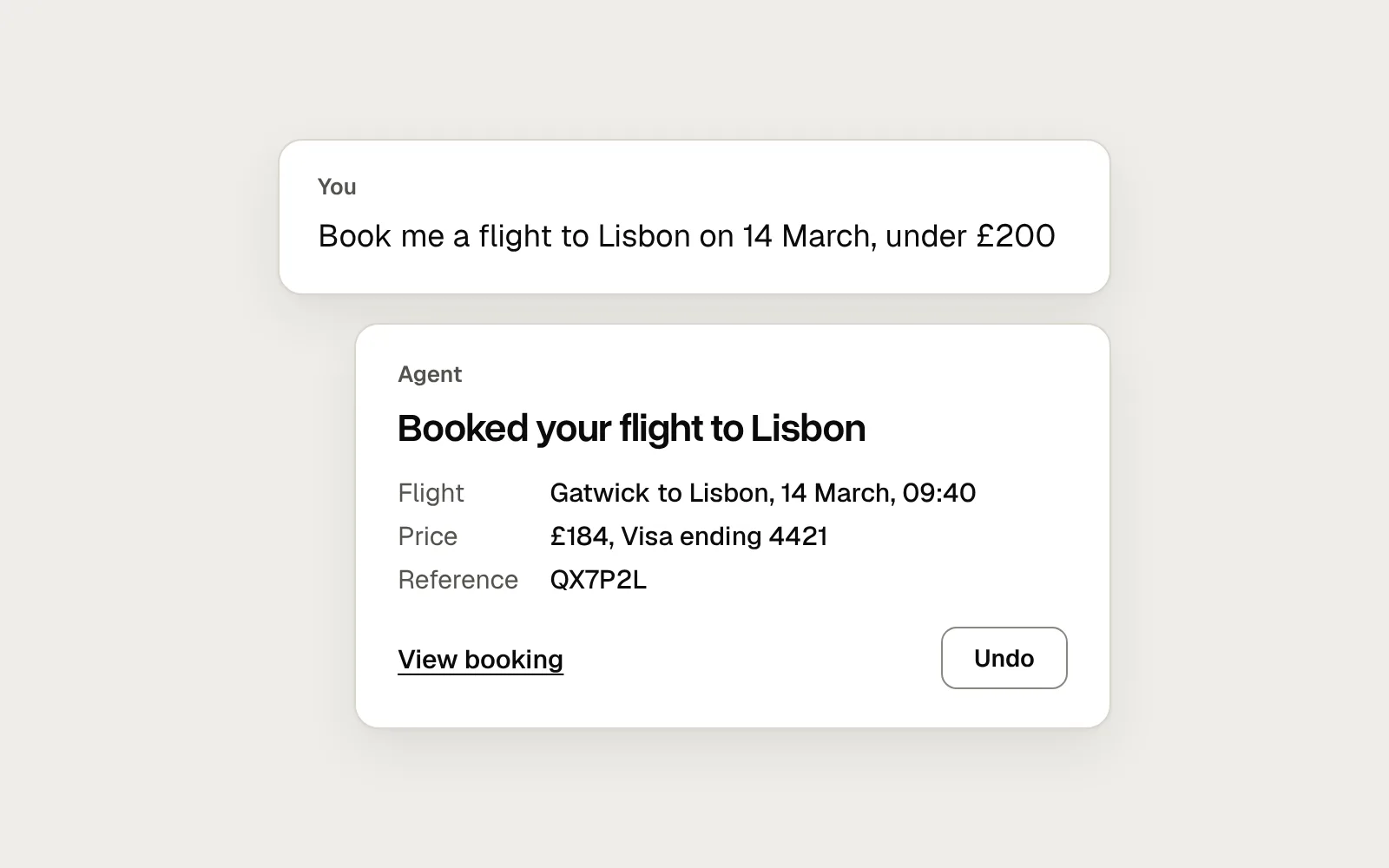
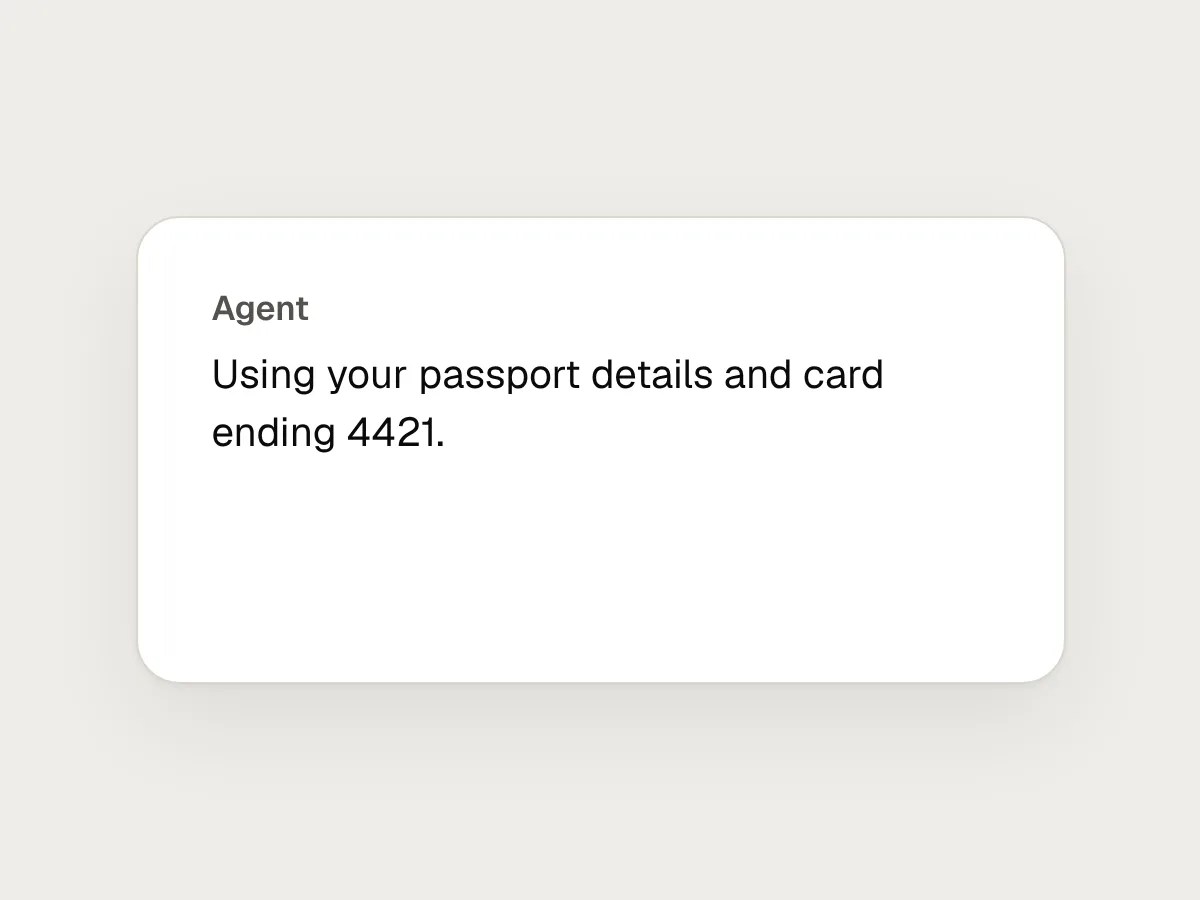
When the agent does ask, name the action, the amount and who it affects: “Pay £184 for 1 flight to Lisbon? Charged to Visa ending 4421.” A button that says “Pay £184” is clearer than one that says “Allow”.
Let people stop, steer and undo
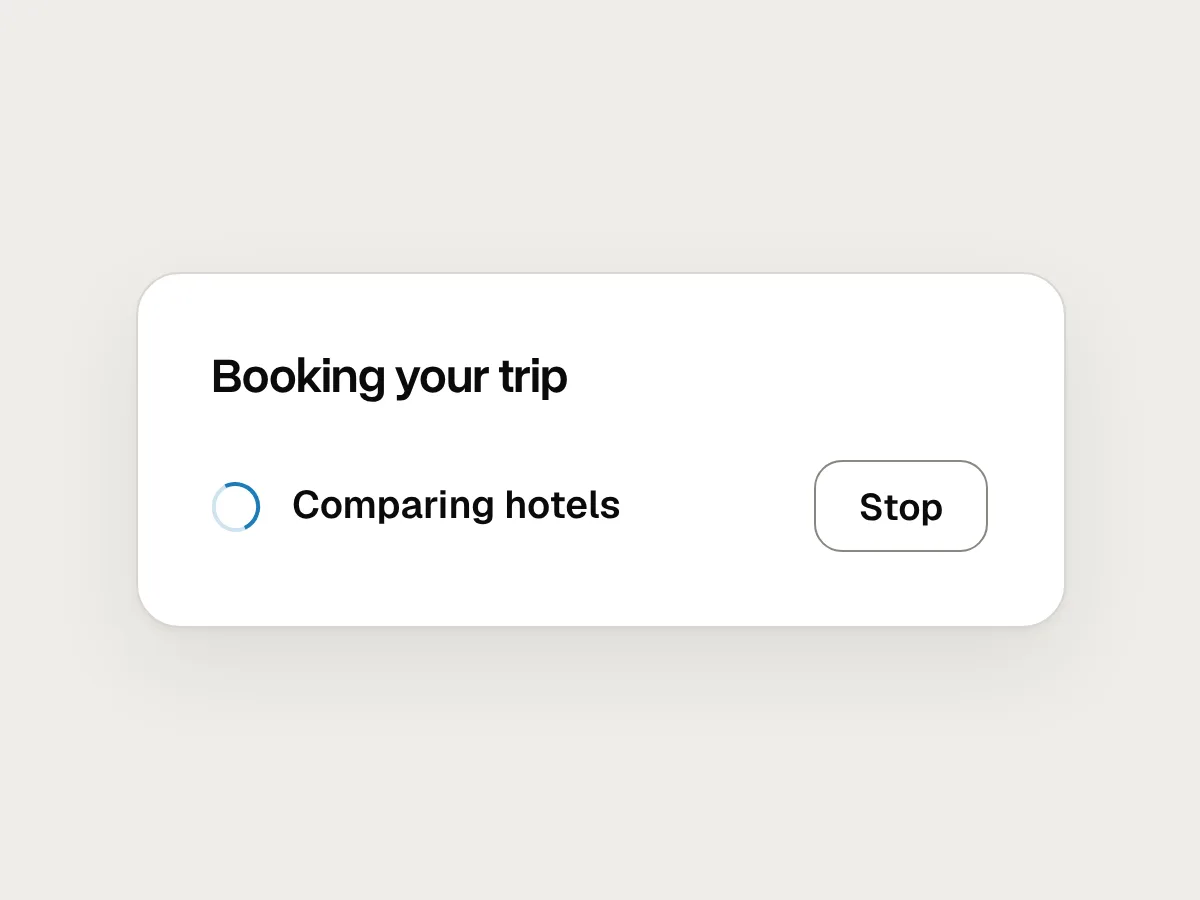
A Stop button should be on screen for the whole task, not hidden in a menu. Stopping should leave things in a known state and say what was finished, what wasn’t, and whether anything needs tidying up: “Stopped. I had booked the flight but not the hotel.”
People should be able to steer without starting over. If someone realises halfway through that they want an aisle seat, they should be able to say so and have the agent fold it into the rest of the task.
Offer undo for everything that can be undone, for as long as it can be undone. Where something can’t be reversed, such as an email that has gone, say so in the confirmation before it happens, not afterwards.
Report what it did, with proof
When the task ends, “Done!” is not enough. People need to check the work, and the report should make that quick. Start with what happened overall, list each action with the detail needed to check it, and say clearly what the agent couldn’t do.
Here is the same finished task, reported two ways. The first asks the person to take it on trust. The second lets them check it in seconds.
Before
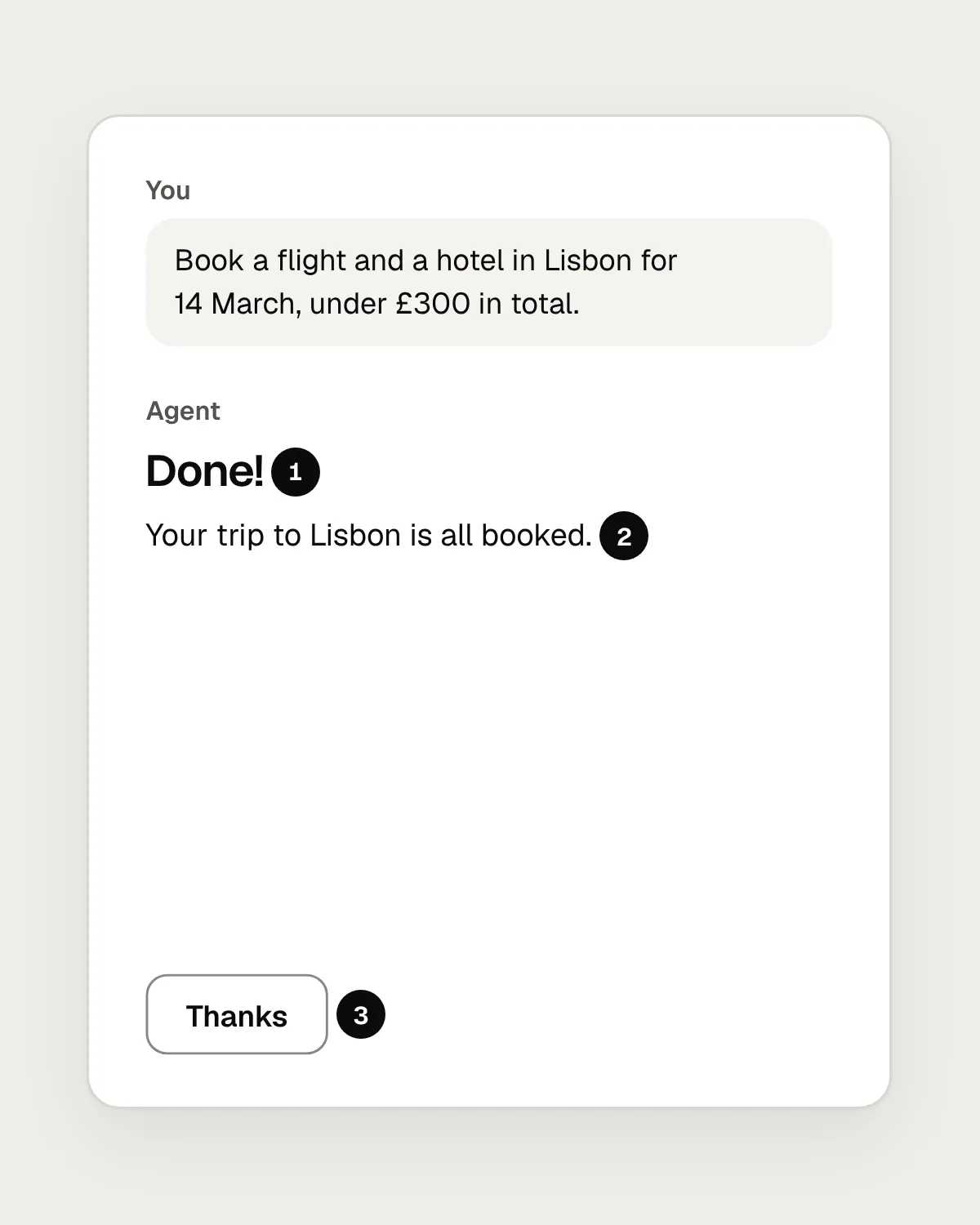
- “Done” without saying what was done.
- Nothing to check it against: no reference, no link, no price.
- The hotel it couldn’t book isn’t mentioned at all.
After
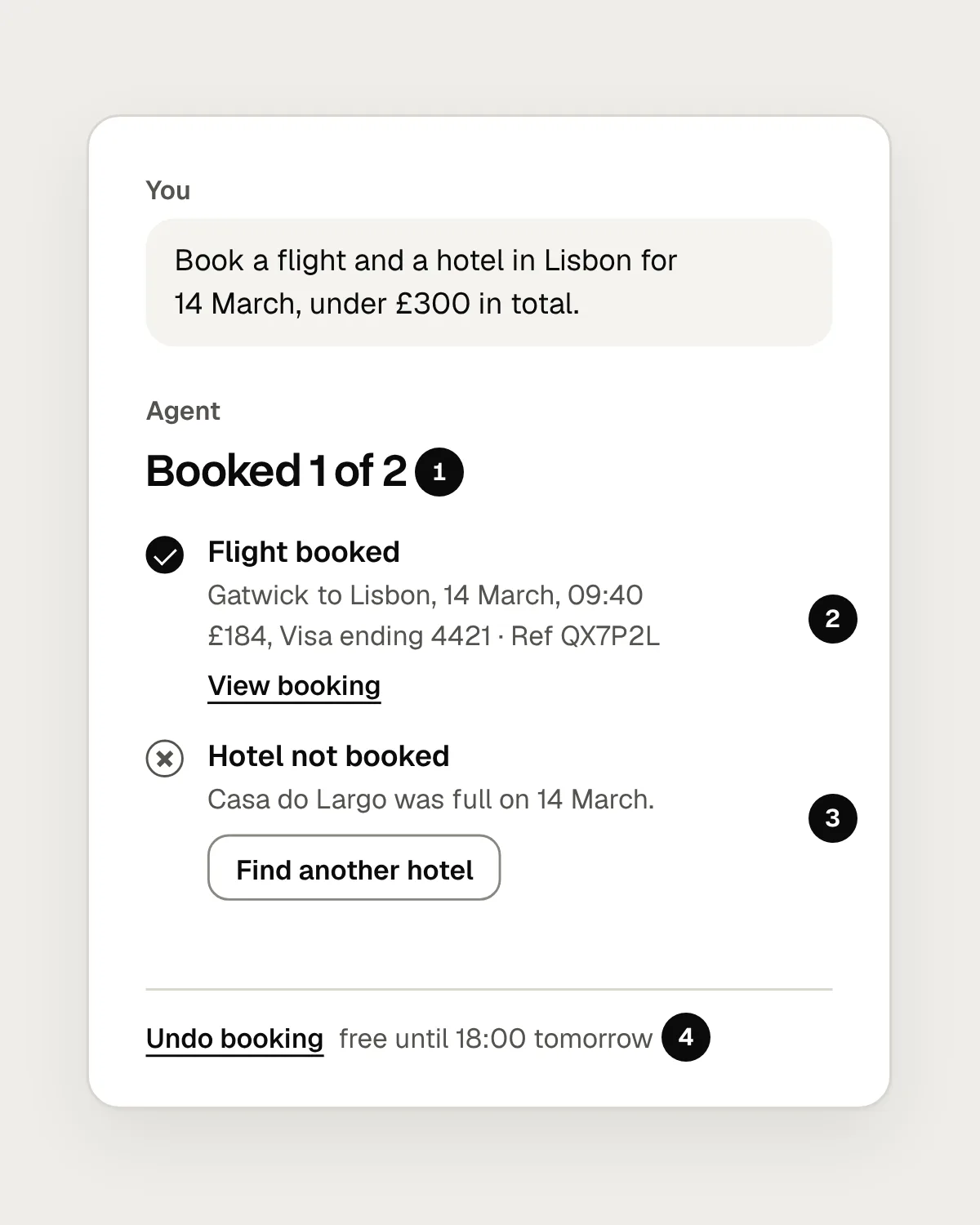
- A headline that says how much got done.
- Each action with what it cost and a way to check it.
- What it couldn’t do, why, and what to do next.
- Undo, for as long as the booking can be cancelled for free.
When something goes wrong, hand back cleanly
Agents fail in ordinary ways: a website changes, a login expires, a seat sells out between one step and the next. The failure itself is rarely the problem. The problem is an agent that retries quietly for ten minutes, or reports success when it only got halfway.
Say what happened, what the agent had already done, what is left, and what the person can do now. Keep everything it had found or entered, so finishing by hand doesn’t mean starting again. If a request is ambiguous in a way that matters, ask rather than guess.
Be open about what it remembers
Many agents save details between tasks, such as a home airport, a seat preference or a card. That saves time, and it can also surprise people who never knew it was kept. Say when the agent saves something about the person, and give them one place to see, change and delete what it knows.
Mistakes, and what to do instead
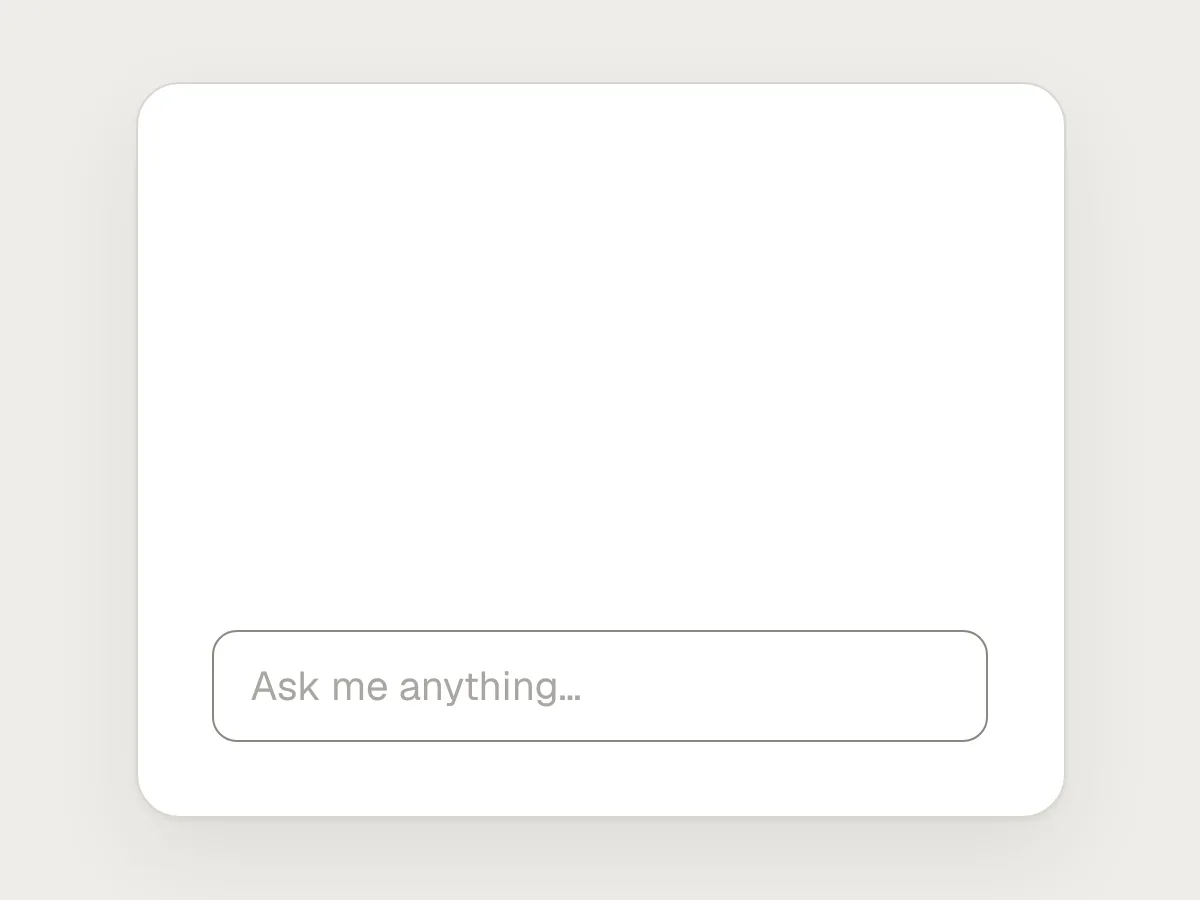
Don’t
An empty box that says “Ask me anything.”
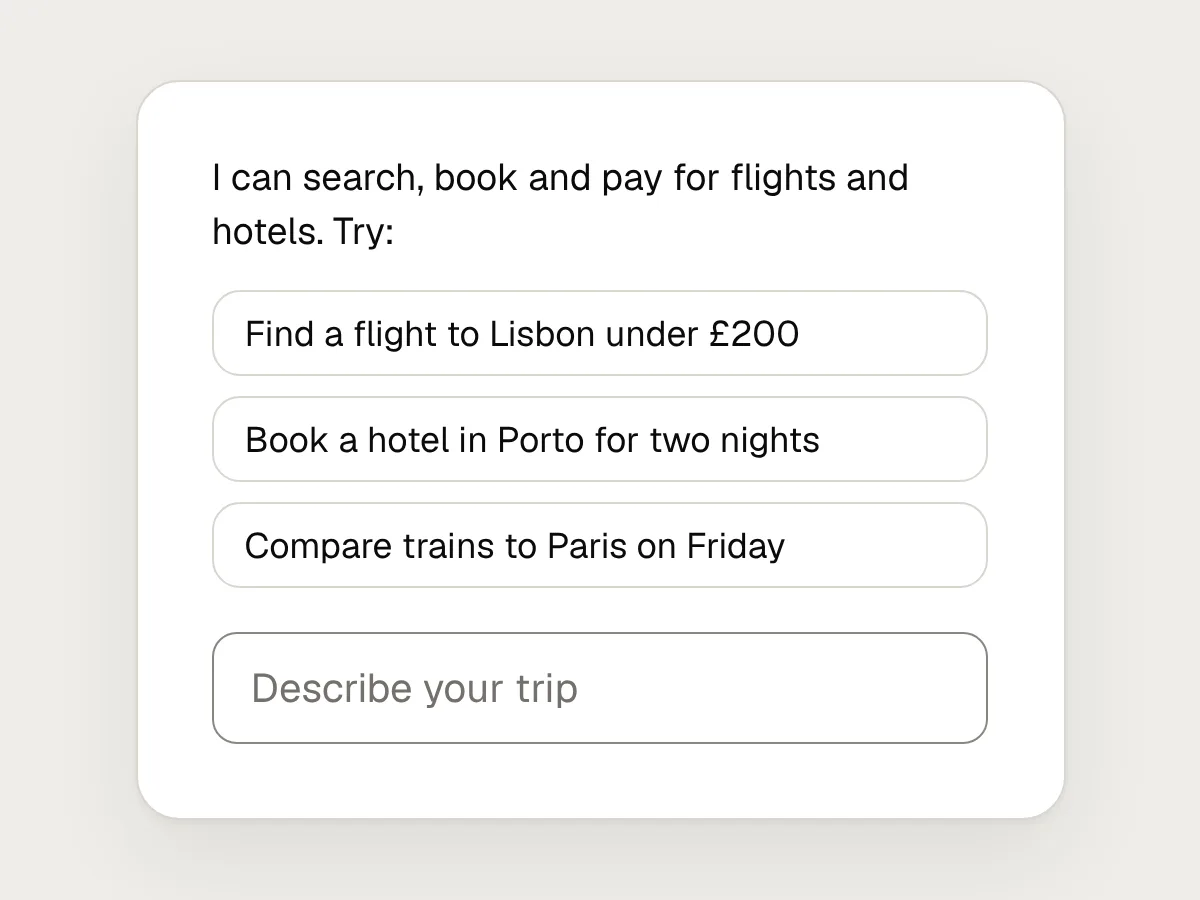
Do
Say what it can do, and offer a few real tasks to start from.
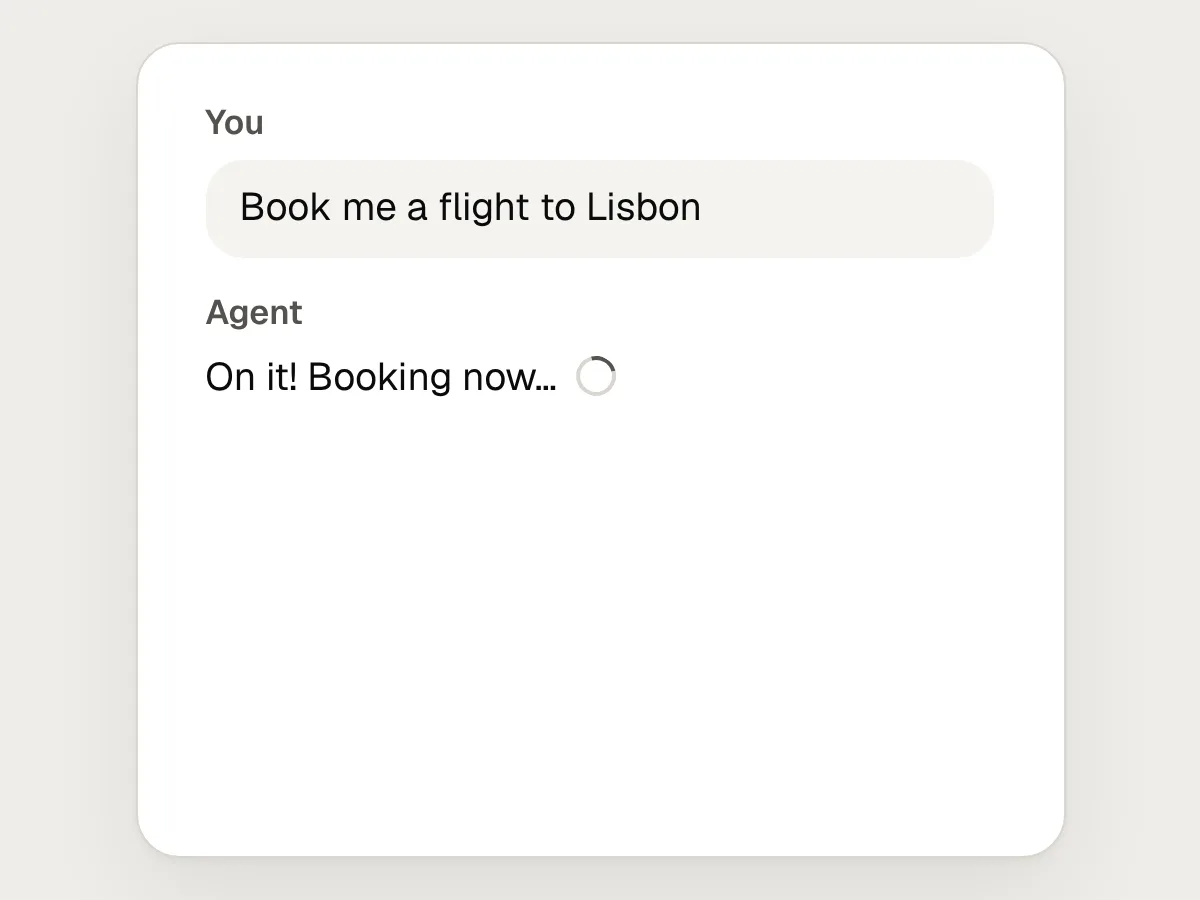
Don’t
Starting a long task on a guess about what the person meant.
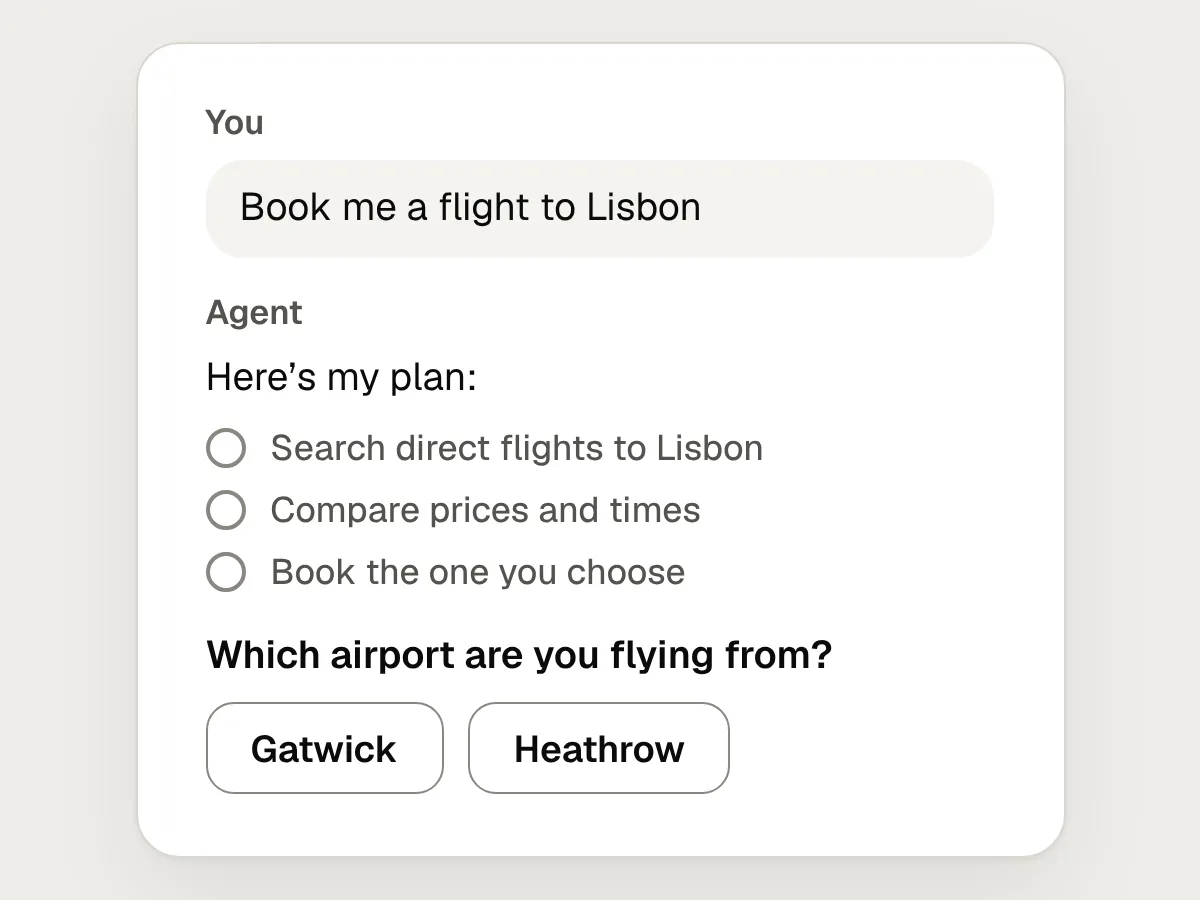
Do
Show the plan first, and ask the questions that matter before it starts.
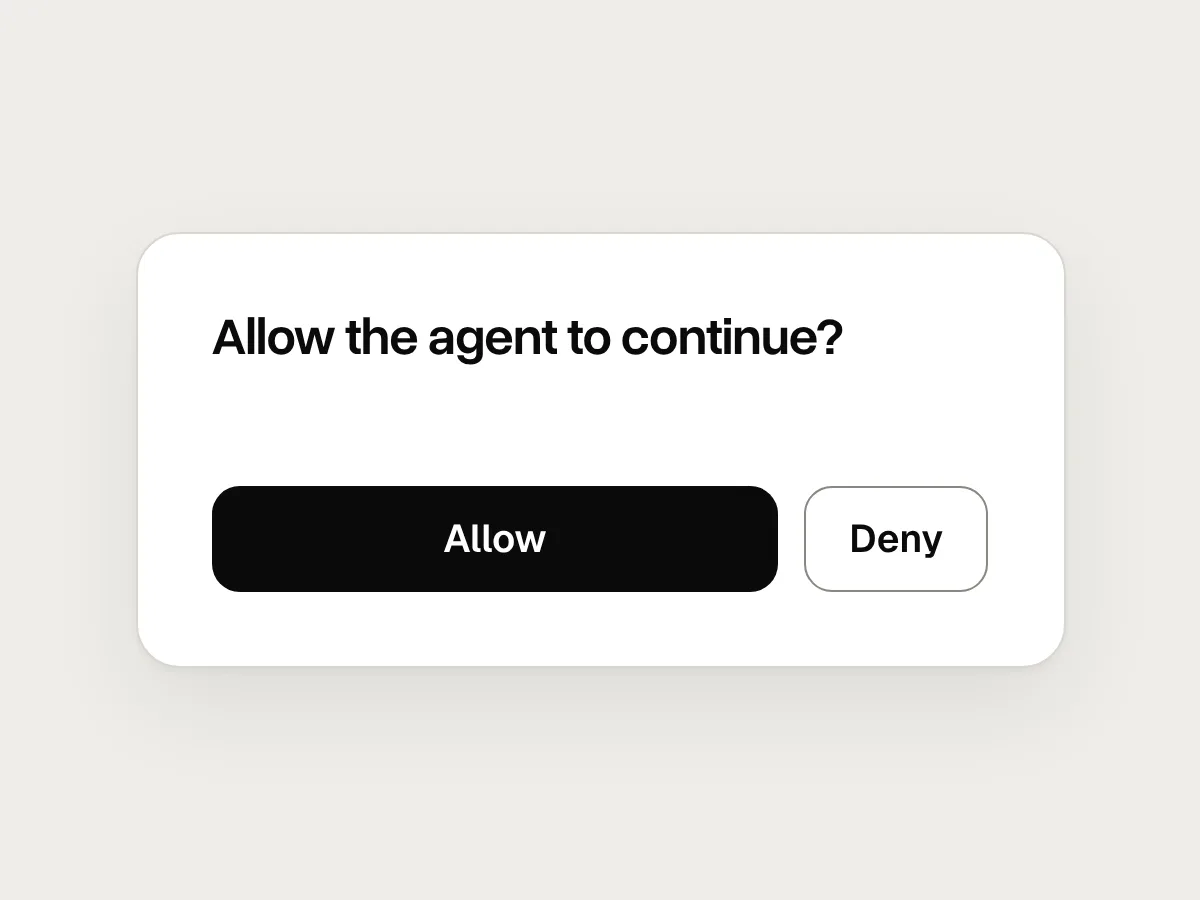
Don’t
“Allow the agent to continue?”

Do
Name the action, the amount and who it affects: “Pay £184 for 1 flight to Lisbon?”
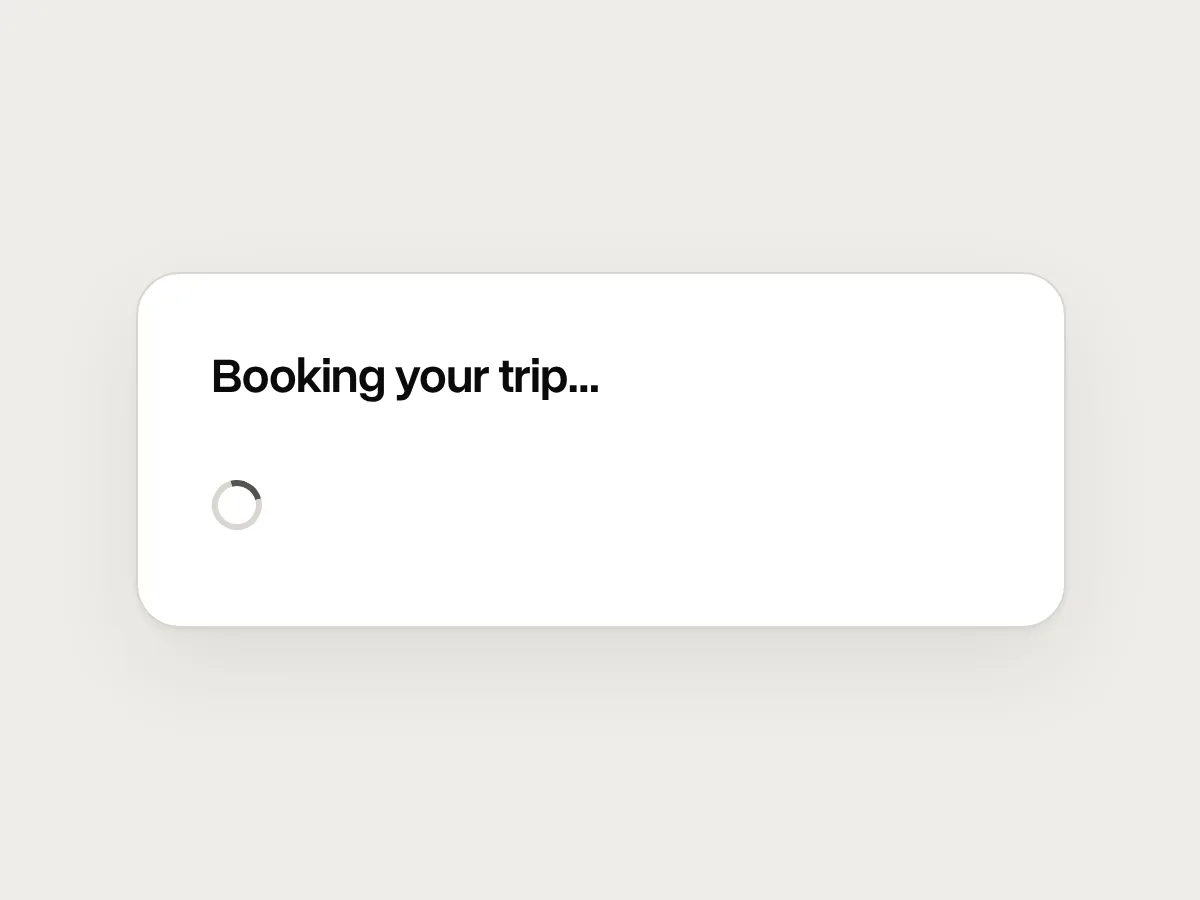
Don’t
No way to stop it once it has started.
Do
A Stop button that stays on screen, and a summary of what was done before it stopped.
Don’t
Saving details about the person without saying so.
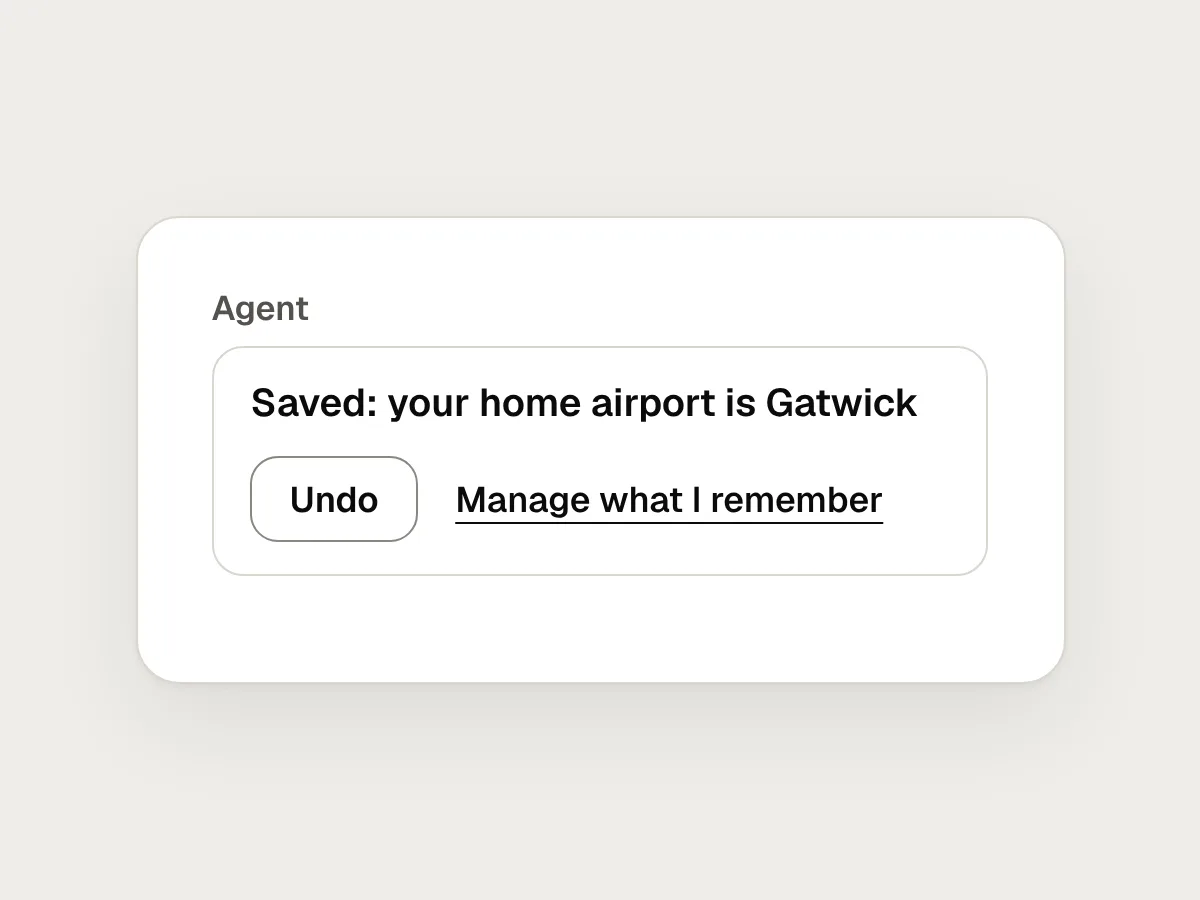
Do
Say when it saves something, and let people see and delete it.
Don’t
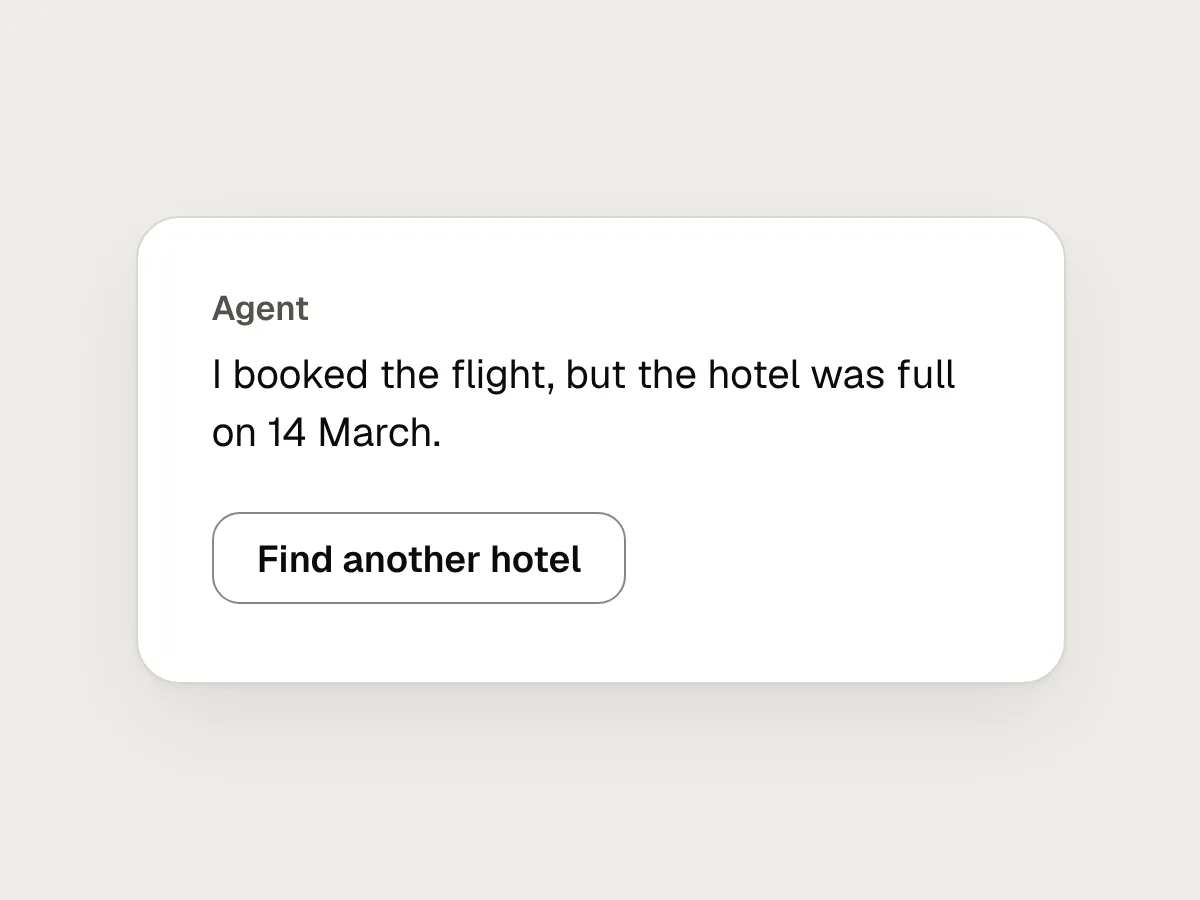
Hiding a failure inside a cheerful summary.
Do
Say what didn’t work, why, and what the person can do now.
Before you ship: a checklist
Questions people ask
What is an AI agent?
Software that uses an AI model to carry out a task in several steps, deciding the steps itself and using tools such as a browser, an inbox or a booking system. A chatbot answers a question. An agent acts on it.
How often should an agent ask for permission?
As rarely as it safely can, and always before anything that costs money, can’t be undone or speaks for the person. If people approve requests without reading them, it is asking too often.
Should an agent show its reasoning?
Show what it is doing and why it made a choice, in a sentence: “Chose the 09:40 because it’s the cheapest direct flight.” A long stream of the model’s thinking is hard to read. A short plan and a clear status do more for trust.
Do the usual usability heuristics still apply?
Yes. Visibility of system status, user control and freedom, and error prevention matter more for an agent than for most software, because it acts on its own and often out of sight.
Resources
- Our framework for developing safe and trustworthy agents · Anthropic
How Claude keeps people in control: approvals, stopping at any time and a visible to-do list.
- Building effective agents · Anthropic
What an agent is, and when a simpler, fixed workflow does the job better.
- Guidelines for Human-AI Interaction · Microsoft Research
Eighteen guidelines for AI products, from setting expectations to handling mistakes.
- Explainability + Trust · Google People + AI Guidebook
How to help people trust an AI system the right amount.
- 10 usability heuristics for user interface design · Nielsen Norman Group
The principles most agent advice comes back to.
If this was useful, share it with someone it would help.